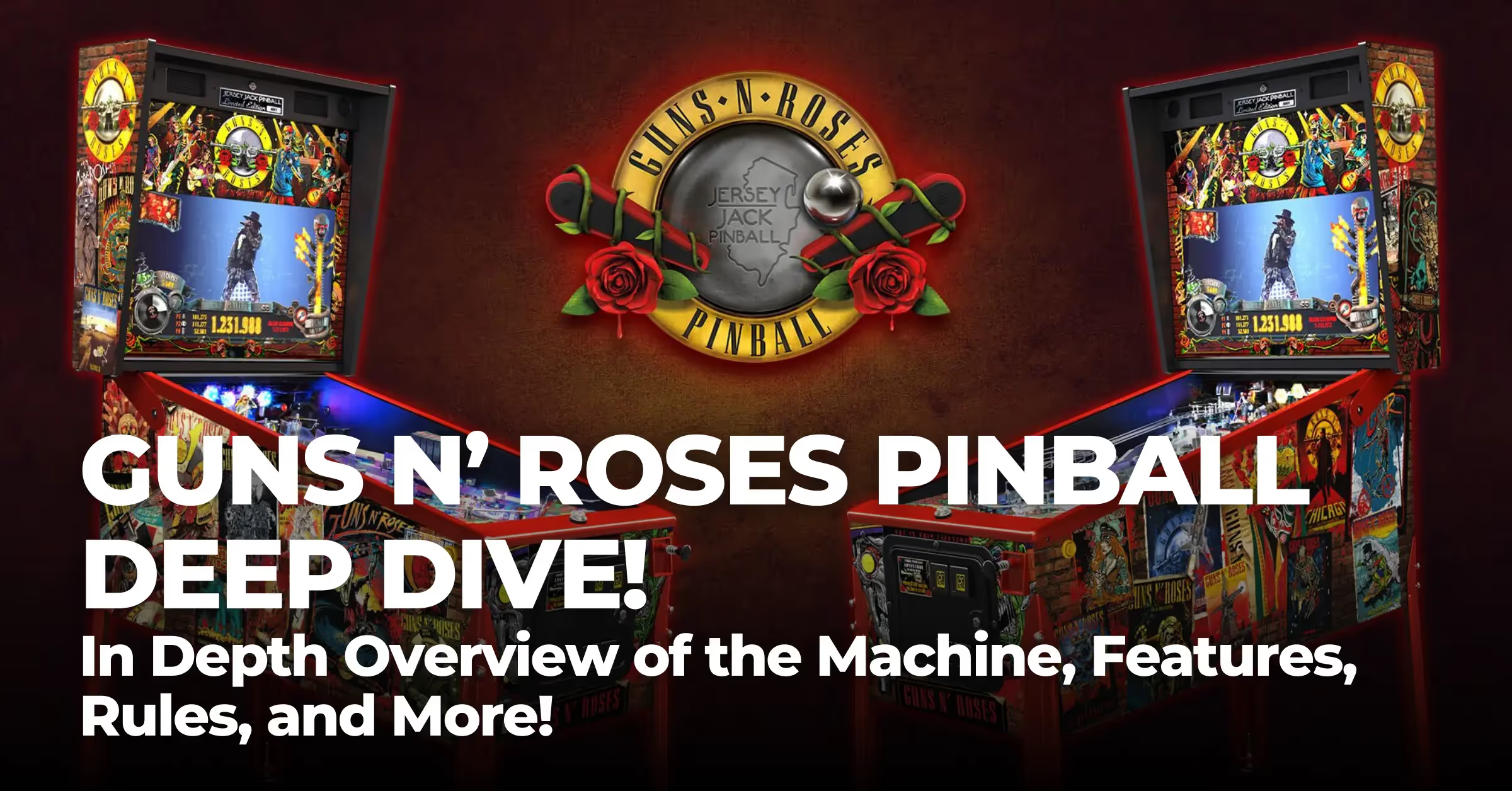
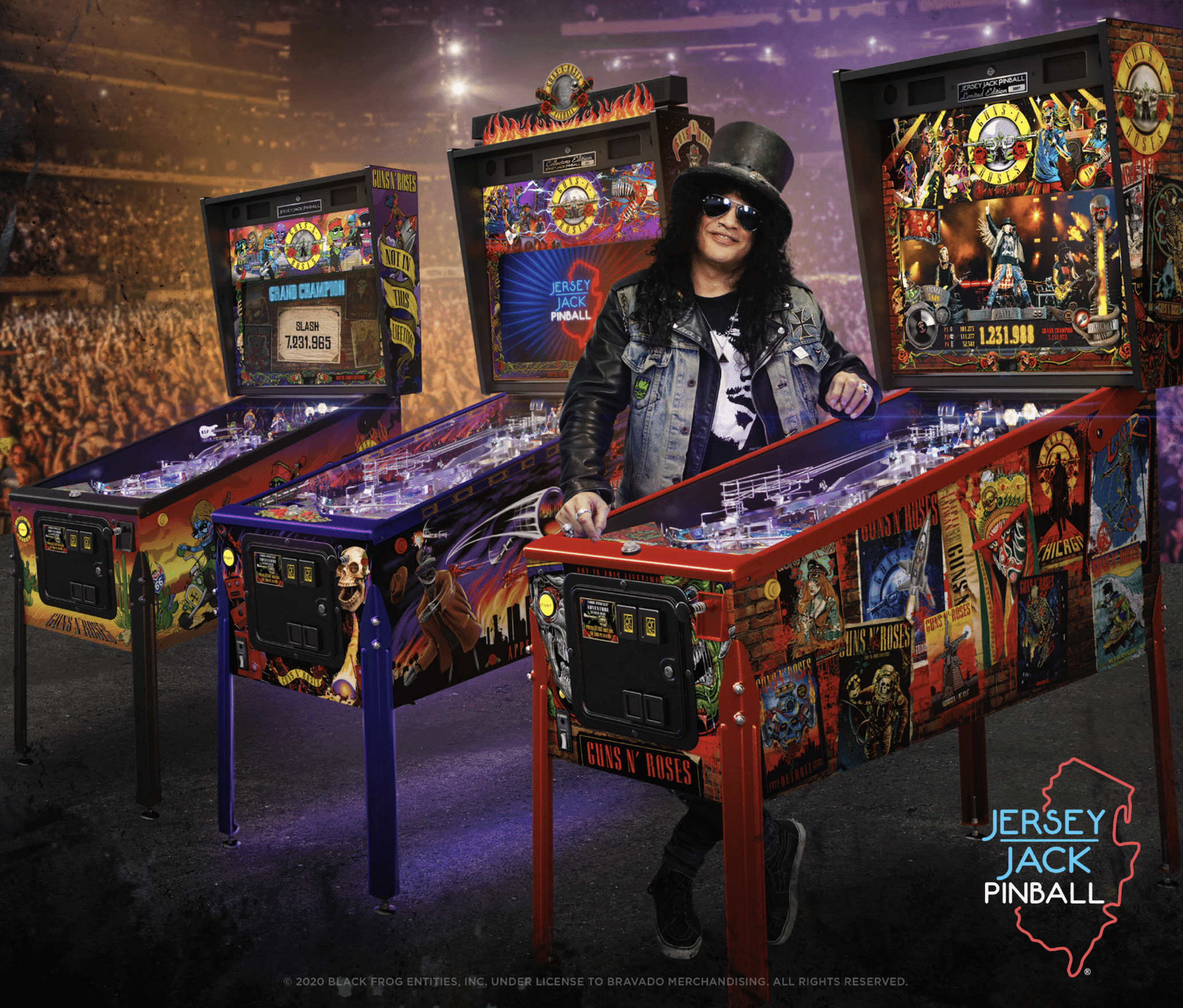
Guns N’ Roses is the newest creation from Jersey Jack Pinball! Below is an in-depth overview of the machine, and a dive into the features and rules – check it out!



Who's Who
- Game Design, Direction: Eric Meunier and Slash
- Rules Design and Software: Keith Johnson
- Software Engineer: Ted Estes
- Software: Joe Katz, JT Harkey, Bill Grupp, Duncan Brown
- 3D Sculptures: Matt Riesterer
- Digital Assets: Jean-Paul de Win, Creative Works UK
- Art: Dayne Henry Jr., Arian Buhler, Mark Molitor, Jean-Paul de Win, Jesper Ables
- Sound: Vikas Deo
- Manual: Barry Engler
- Mechanical Engineers: Dan Molter, Peter Dorn, James Piekarz, Wally Welch
- Electrical Engineer and Support: Tony Tumminaro, Ben Stover

Price N' Production
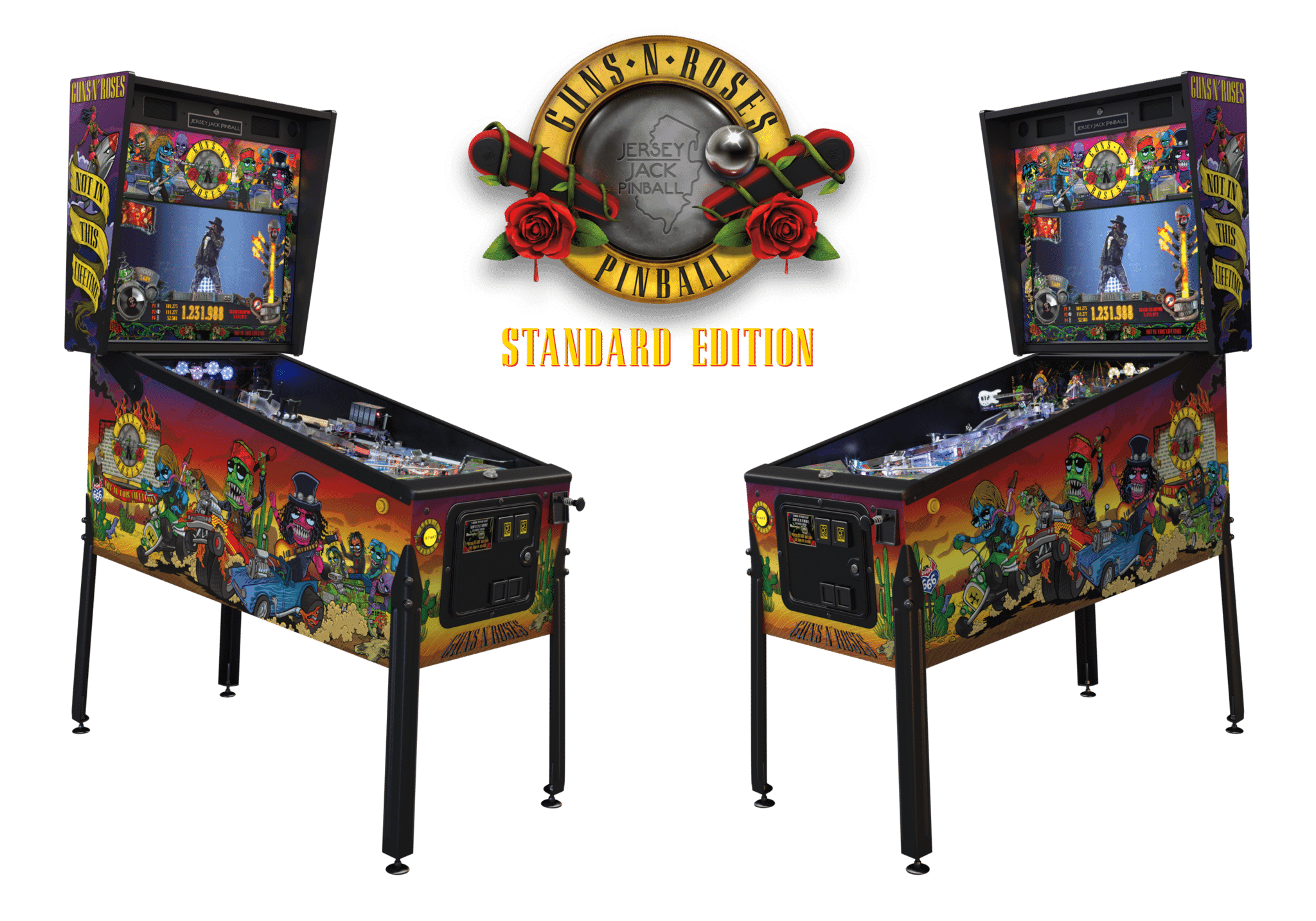
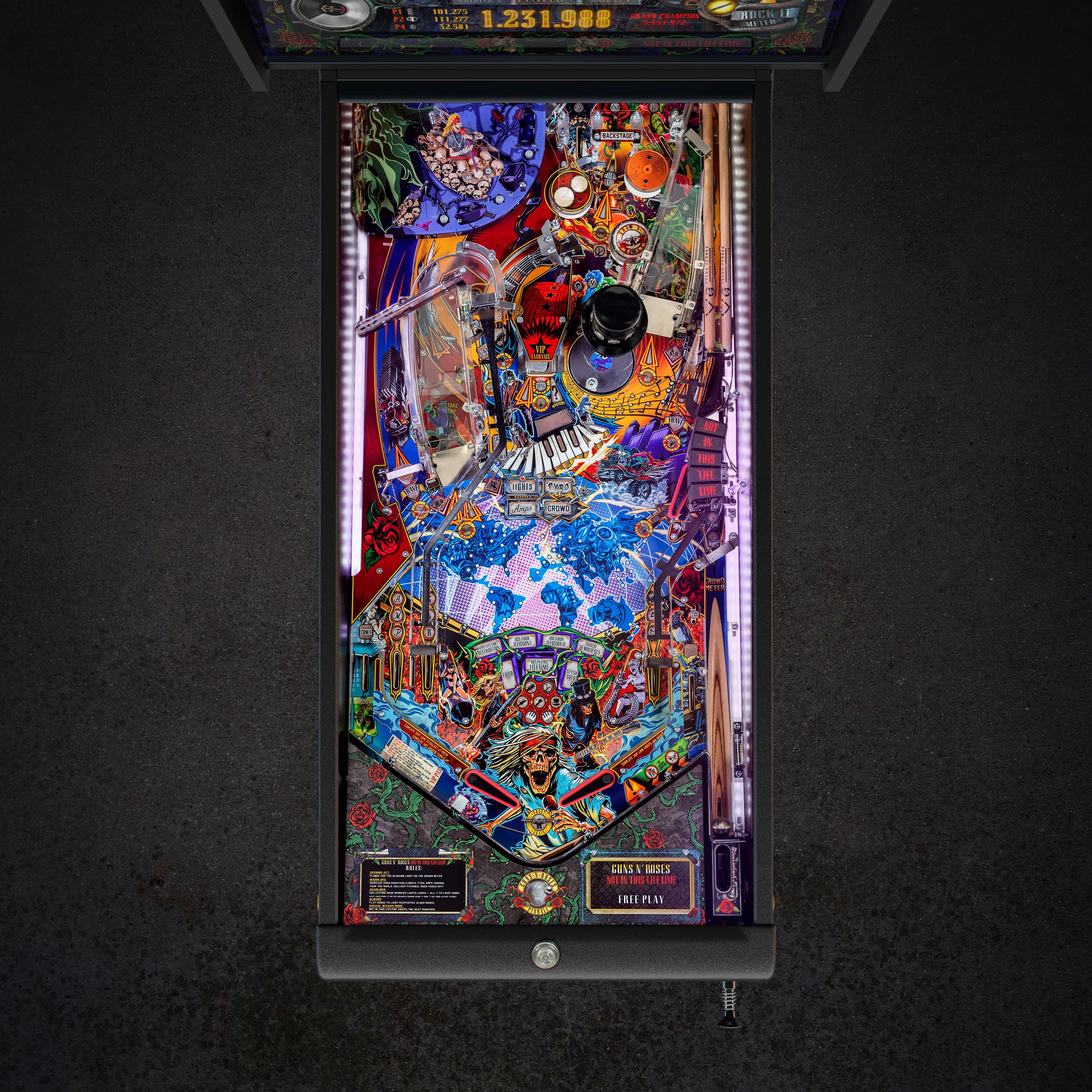
- Standard Edition
- MSRP: $6,750
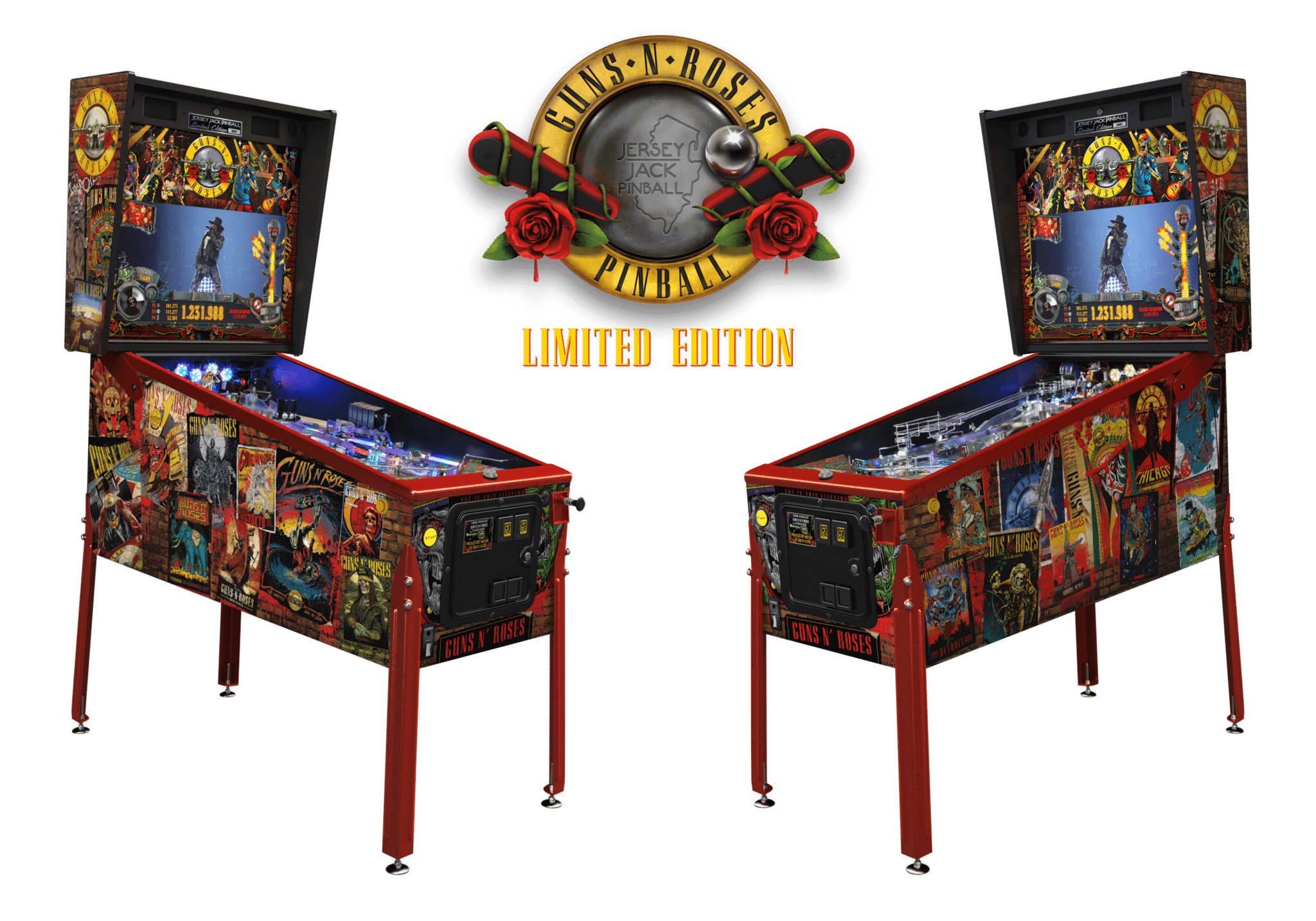
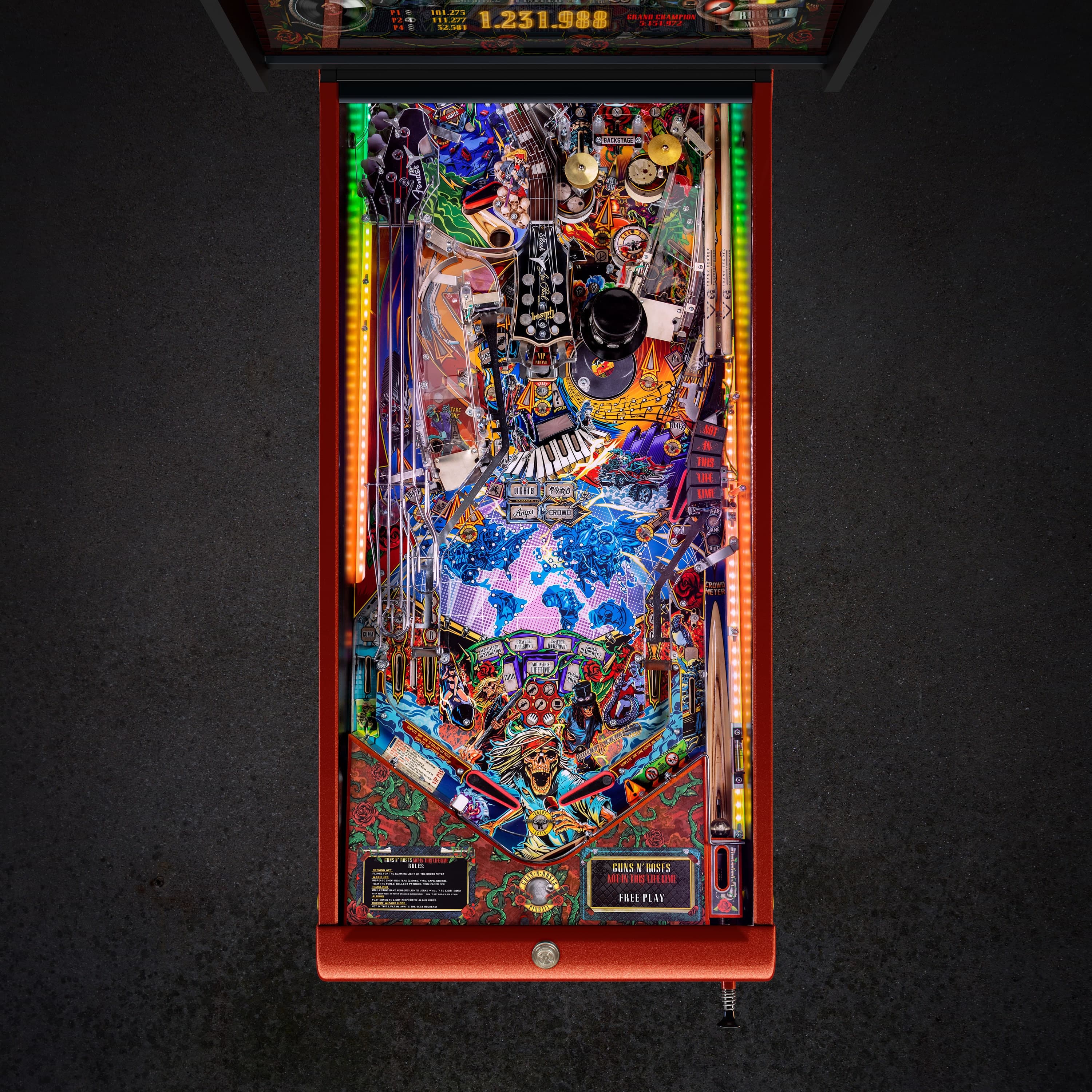
- Limited Edition
- MSRP: $9,500
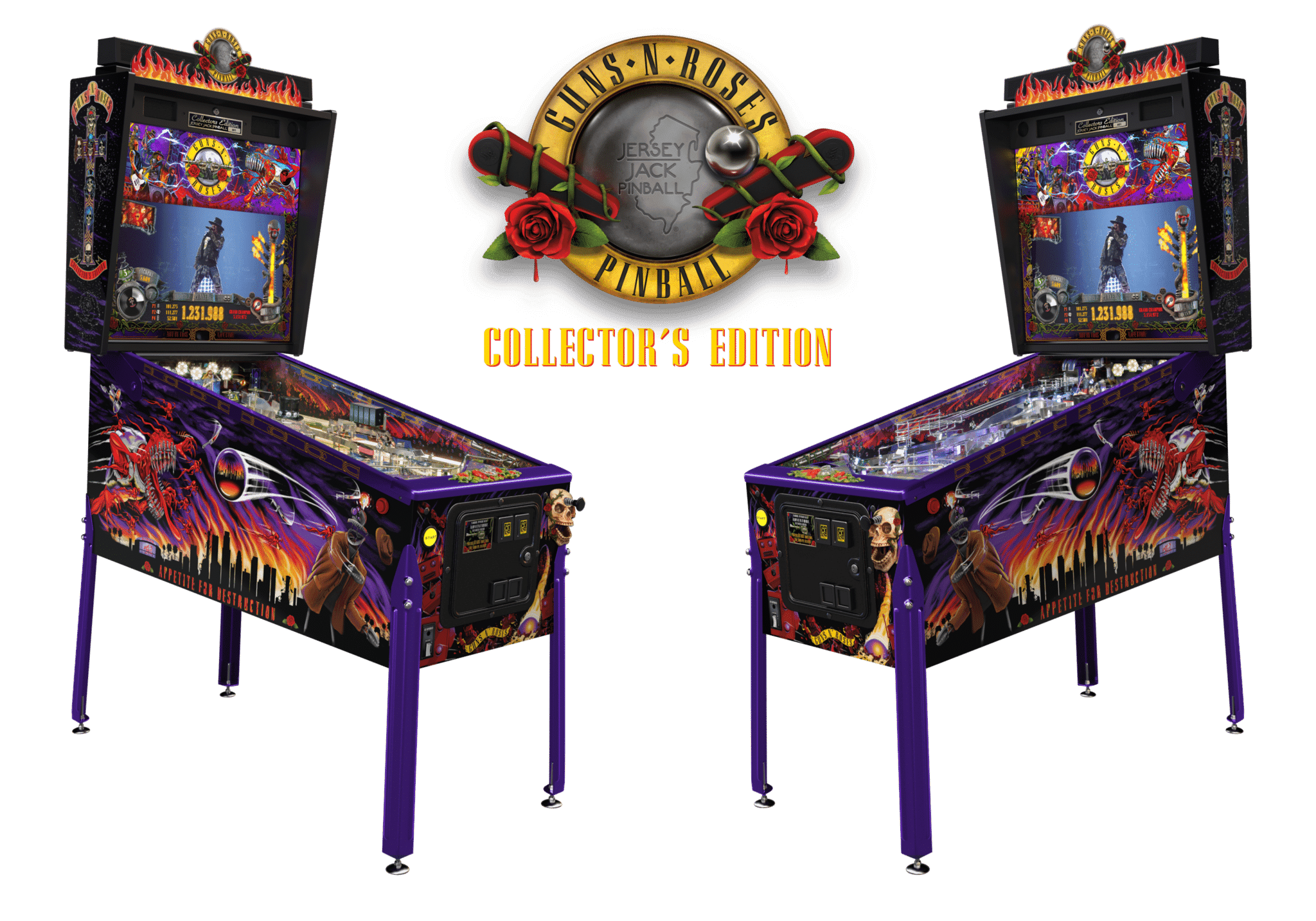
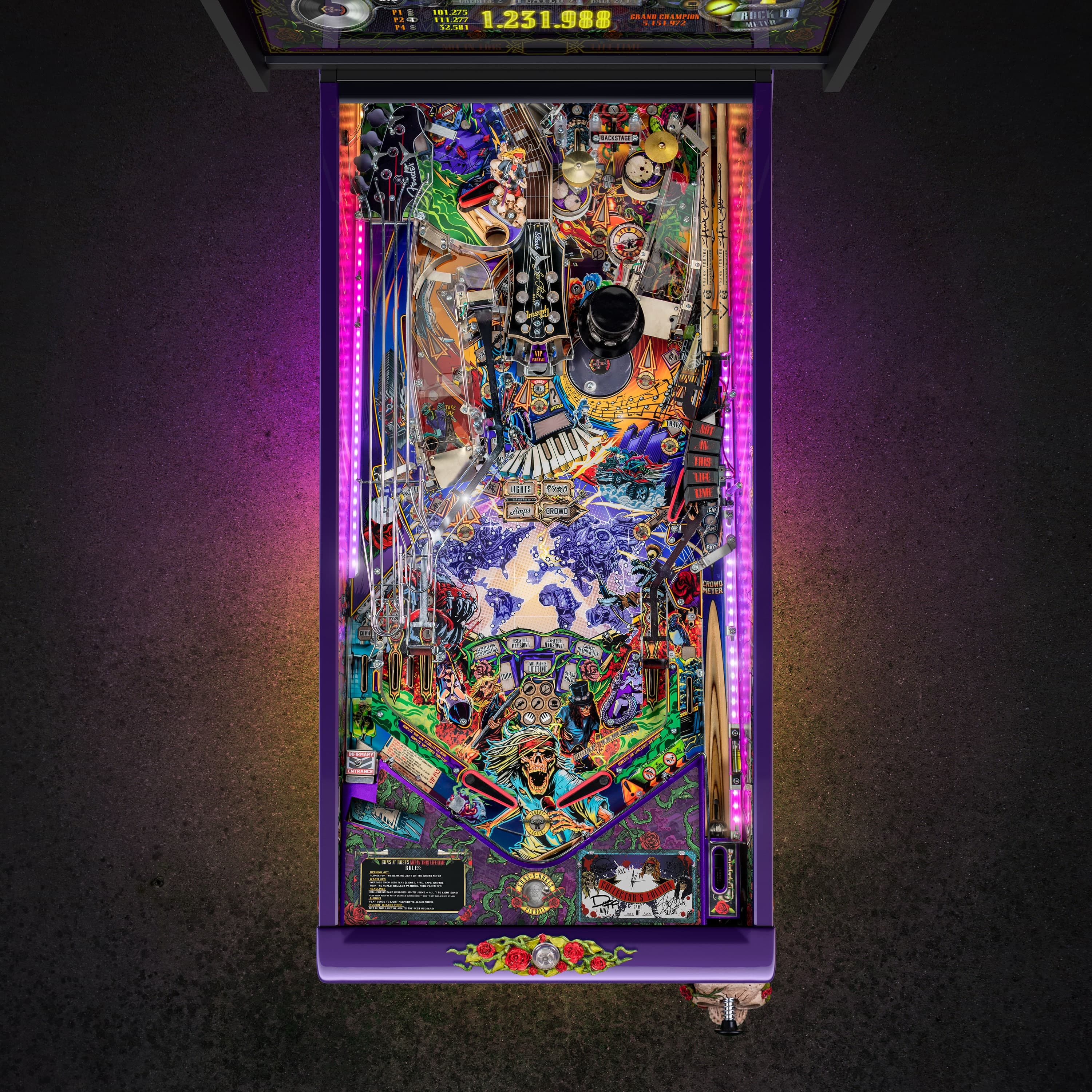
- Collector’s Edition
- MSRP: $12,500
Games are on the production line and available for sale today!

Features
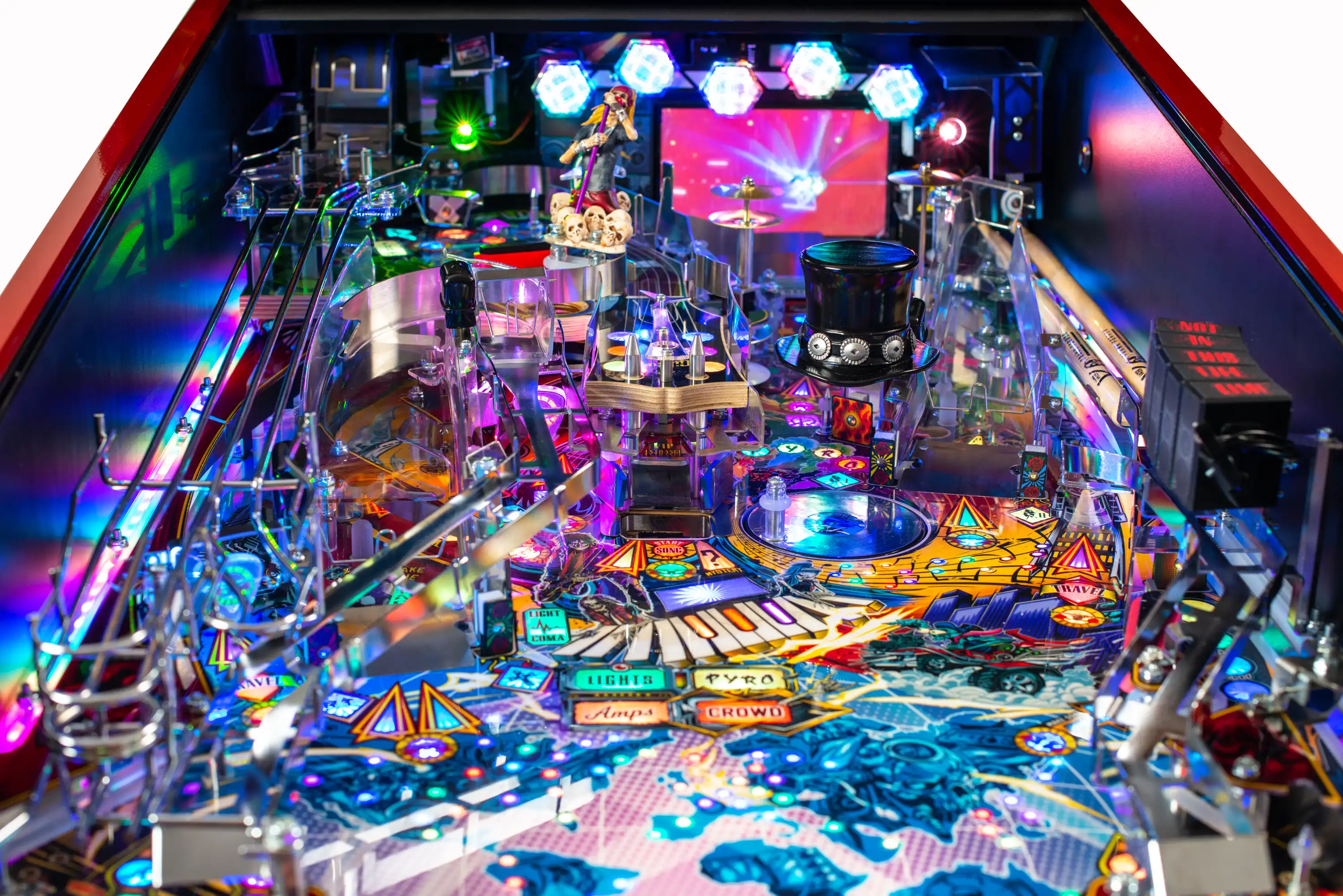
All Models:
- 21 Full-Length Studio Master Recordings of GNR Favorites
- Exclusive Original Pinball Music created and performed by Slash
- Exclusive Original Instrumentation and Sound Effect Recordings performed by Slash, Duff McKagan, and Richard Fortus
- Game Narration By Duff McKagan and Melissa Reese
- Additional Voice Recording by Axl Rose, Slash, Richard Fortus, Frank Ferrer, Dizzy Reed and GnR announcer MC Bob
- Live Footage and Concert Screen Animations from the Not In This Lifetime World Tour
- 27” Backbox Display
- Jukebox Attract Mode Option
- Selectable Content Settings: Family Friendly (default), Adult-Adds explicit songs, video content, and voice work
- 120 Watt 2.1 Stereo Sound System
- Bluetooth Headphone and WIFI Connectivity
- Automatic WIFI updates to your machine – you are alerted when there is an update
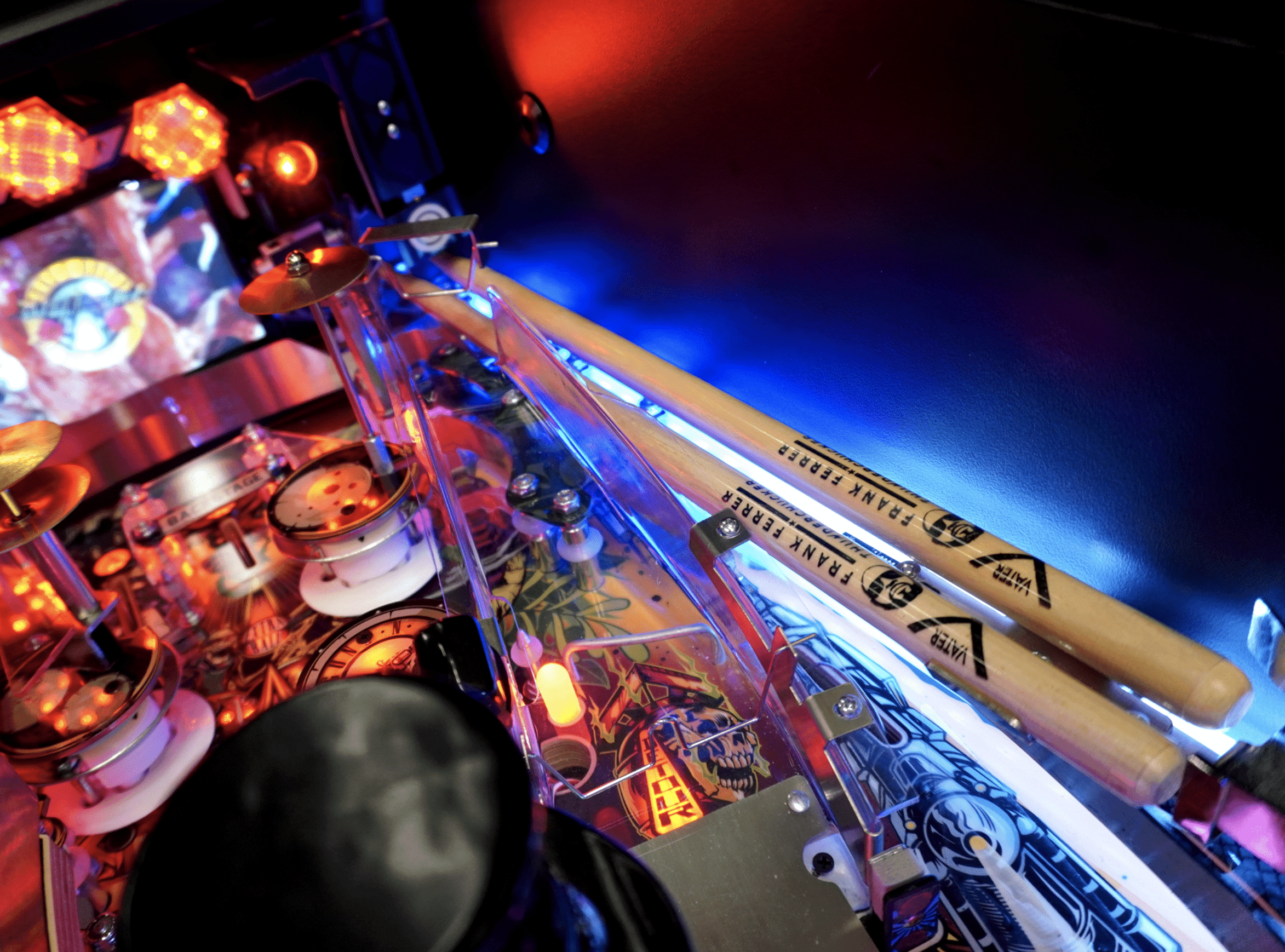
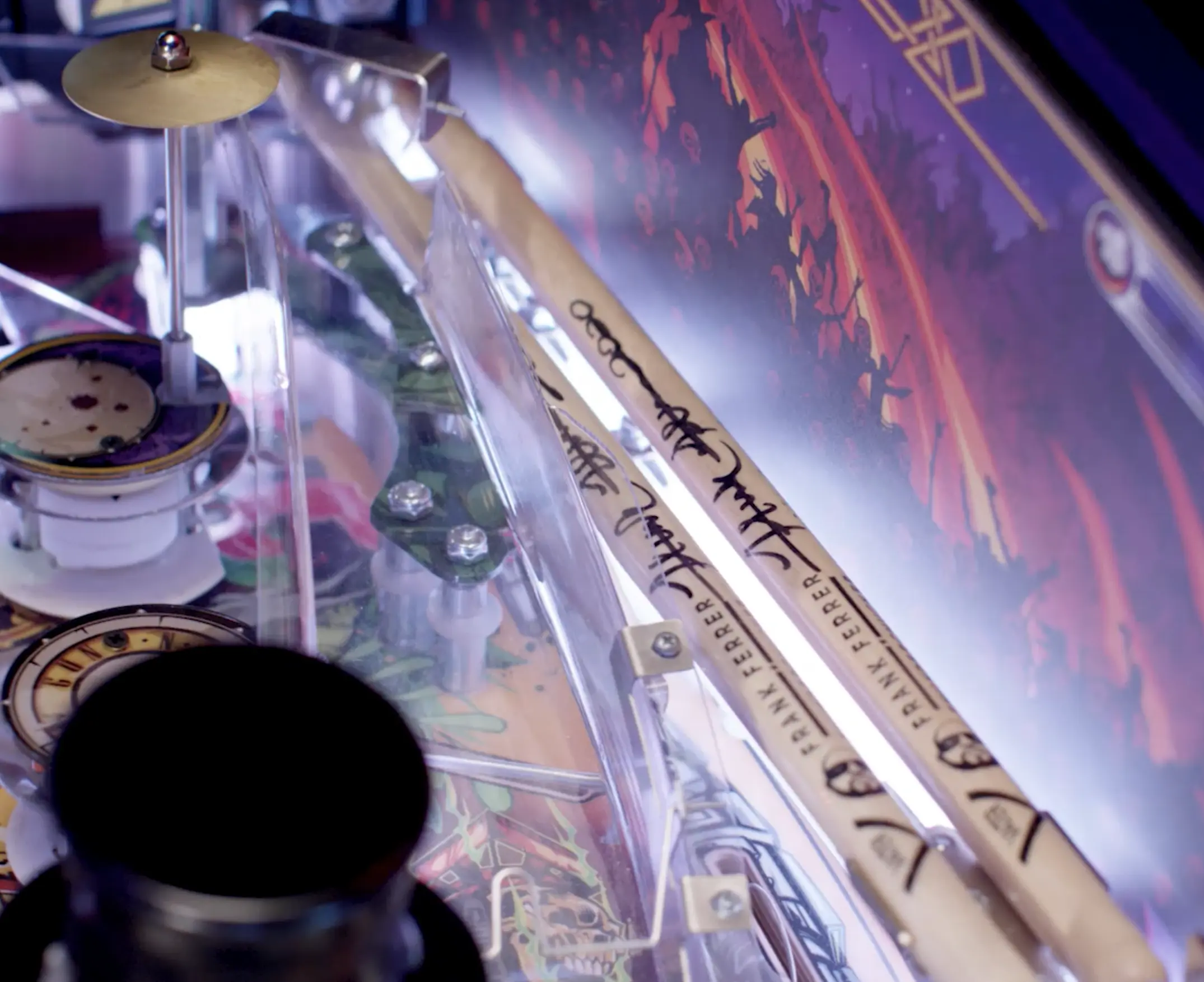
- Drumstick Ramp: 2 Real Frank Ferrer Thunderchucker Vater Drumsticks
- Divertable Ramp(s)
- 2 Chrome Catwalk Steel Return Ramps
- Inner Loop Jump Ramp
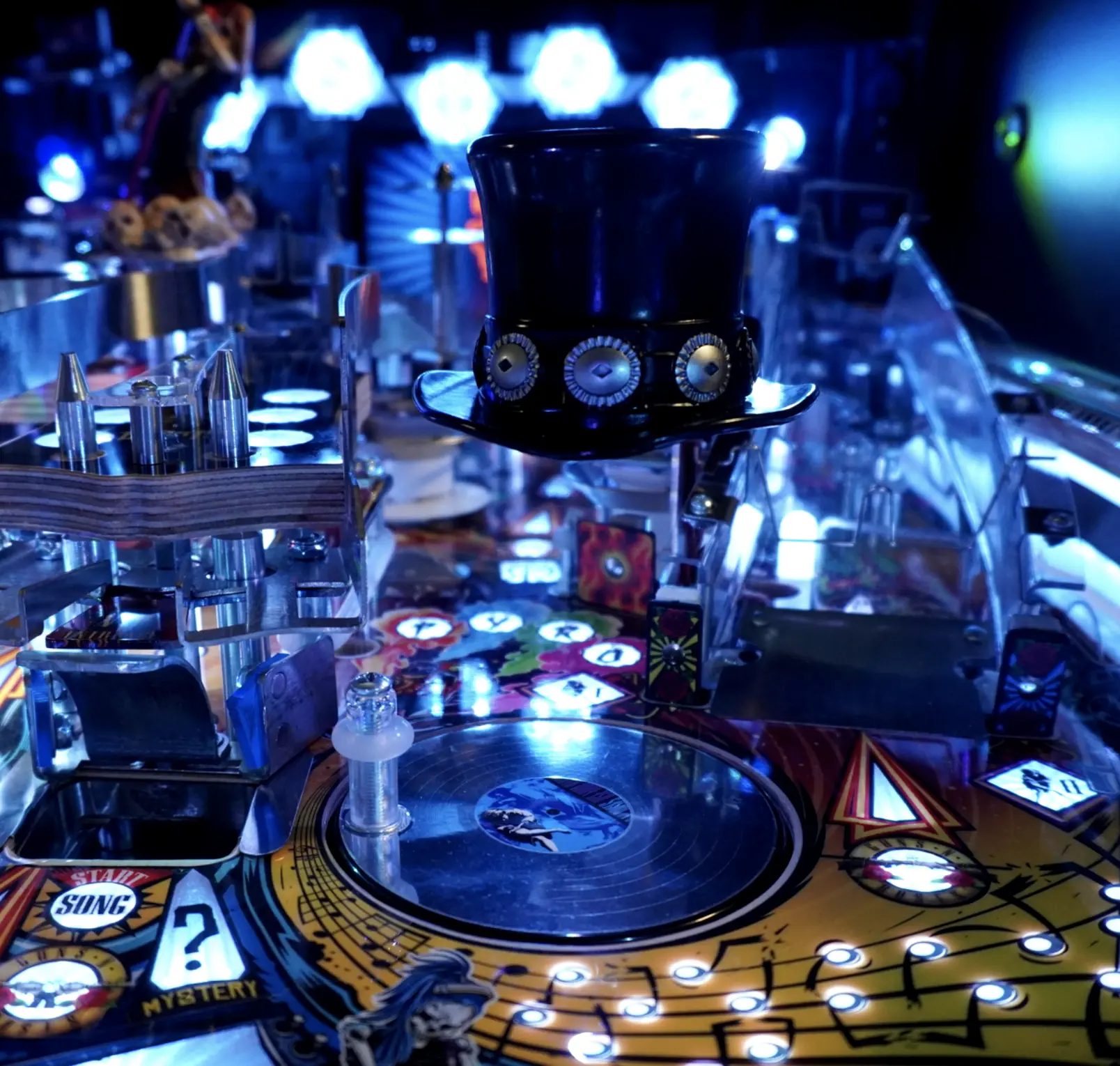
- Direction-Sensing Spinning Platinum Record Playfield Toy
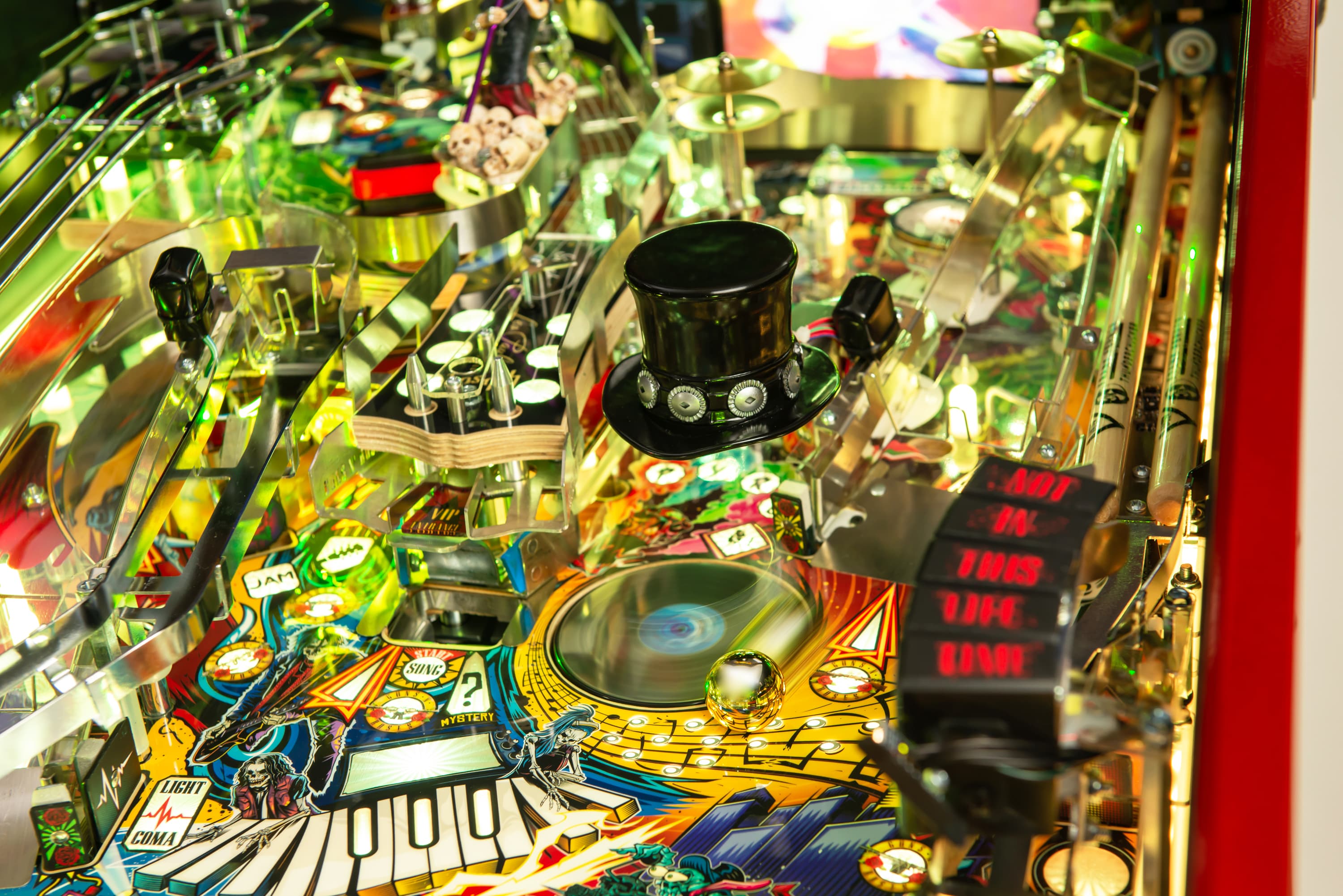
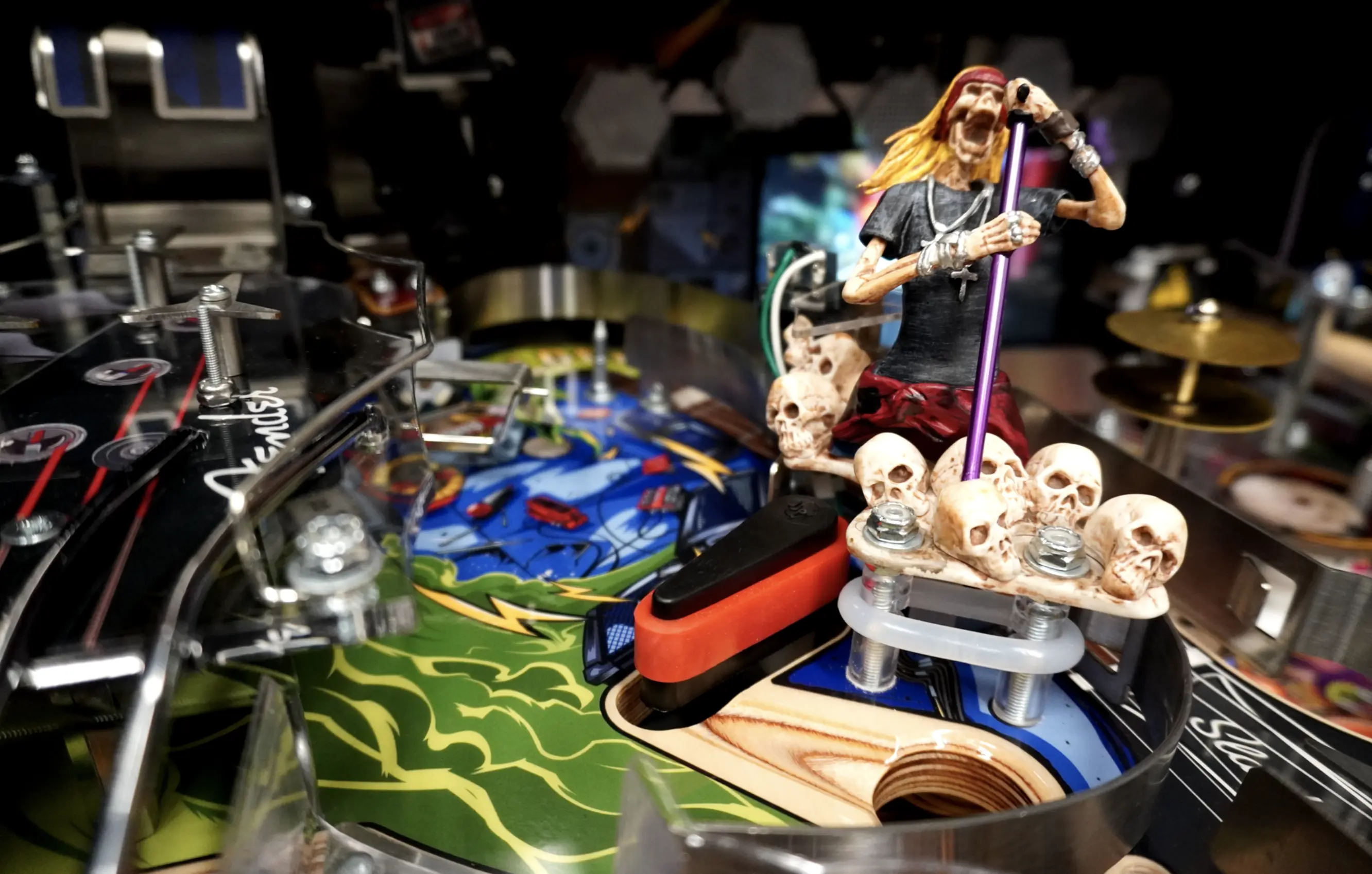
- Sculptures: Slash’s Iconic Top Hat, Screaming Axl Rose, Concert Speaker Stack
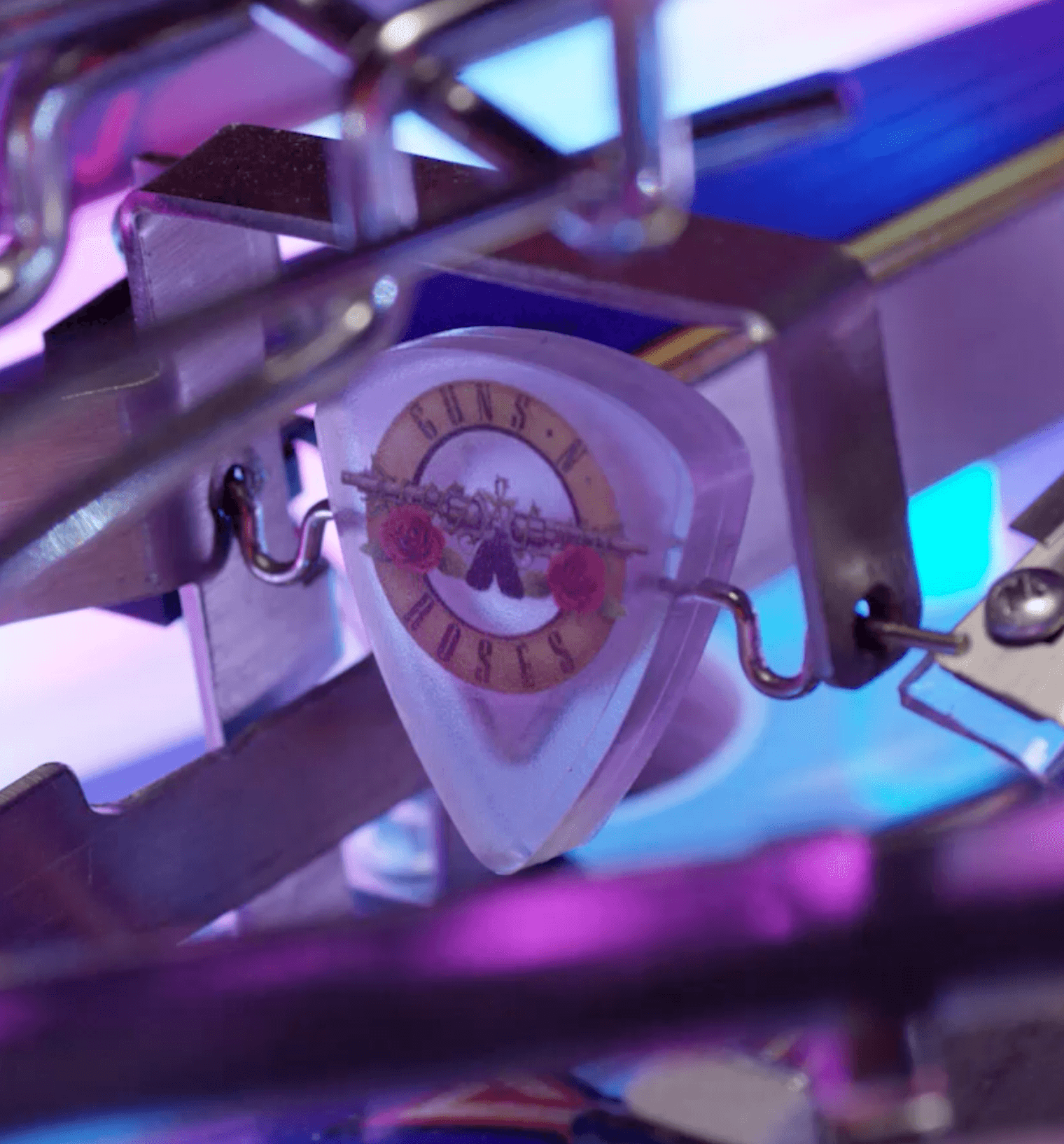
- 2 Guitar Pick-shaped RGB Lit Spinners
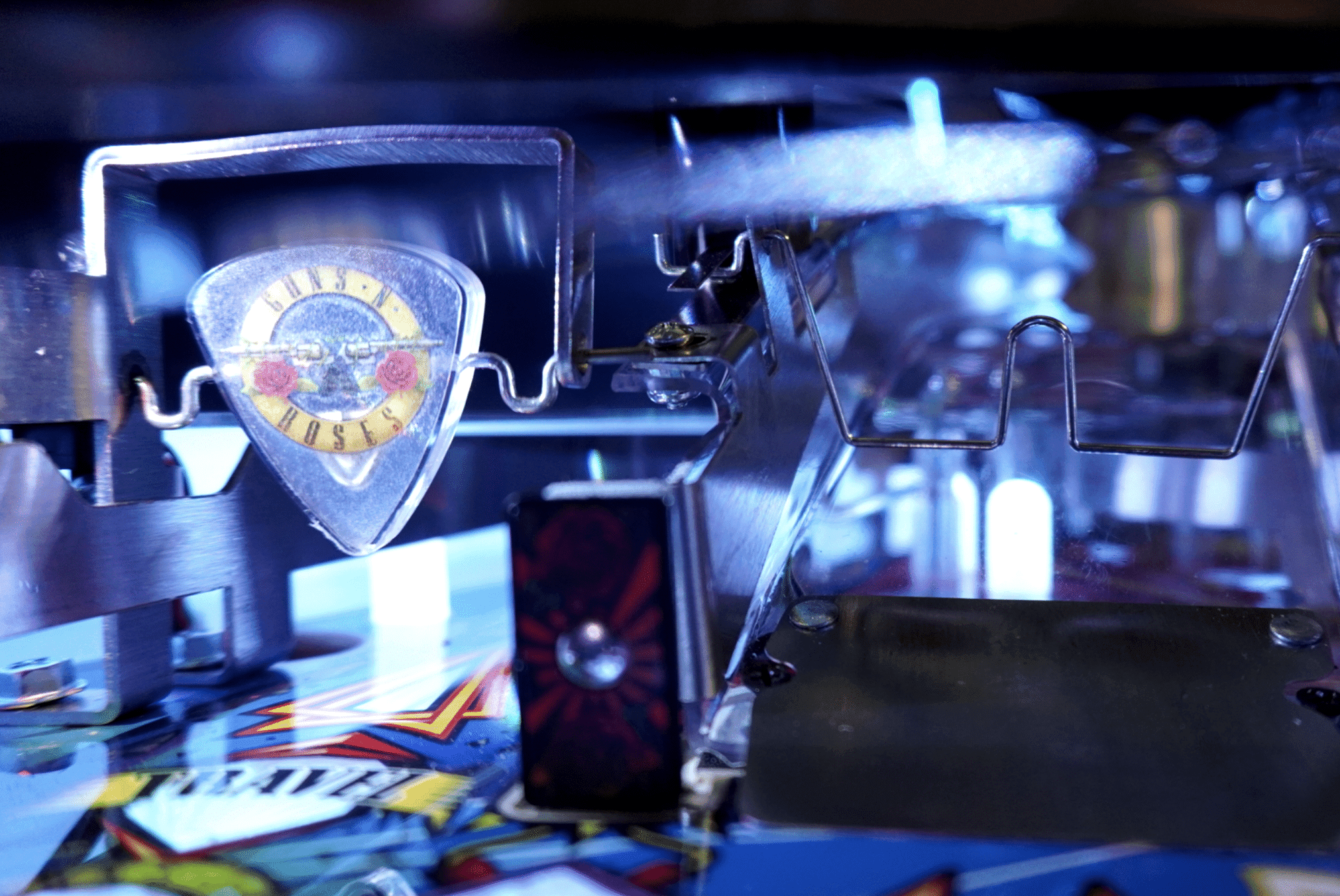
- 30 RGB GNR Hexagonal Stage Lighting
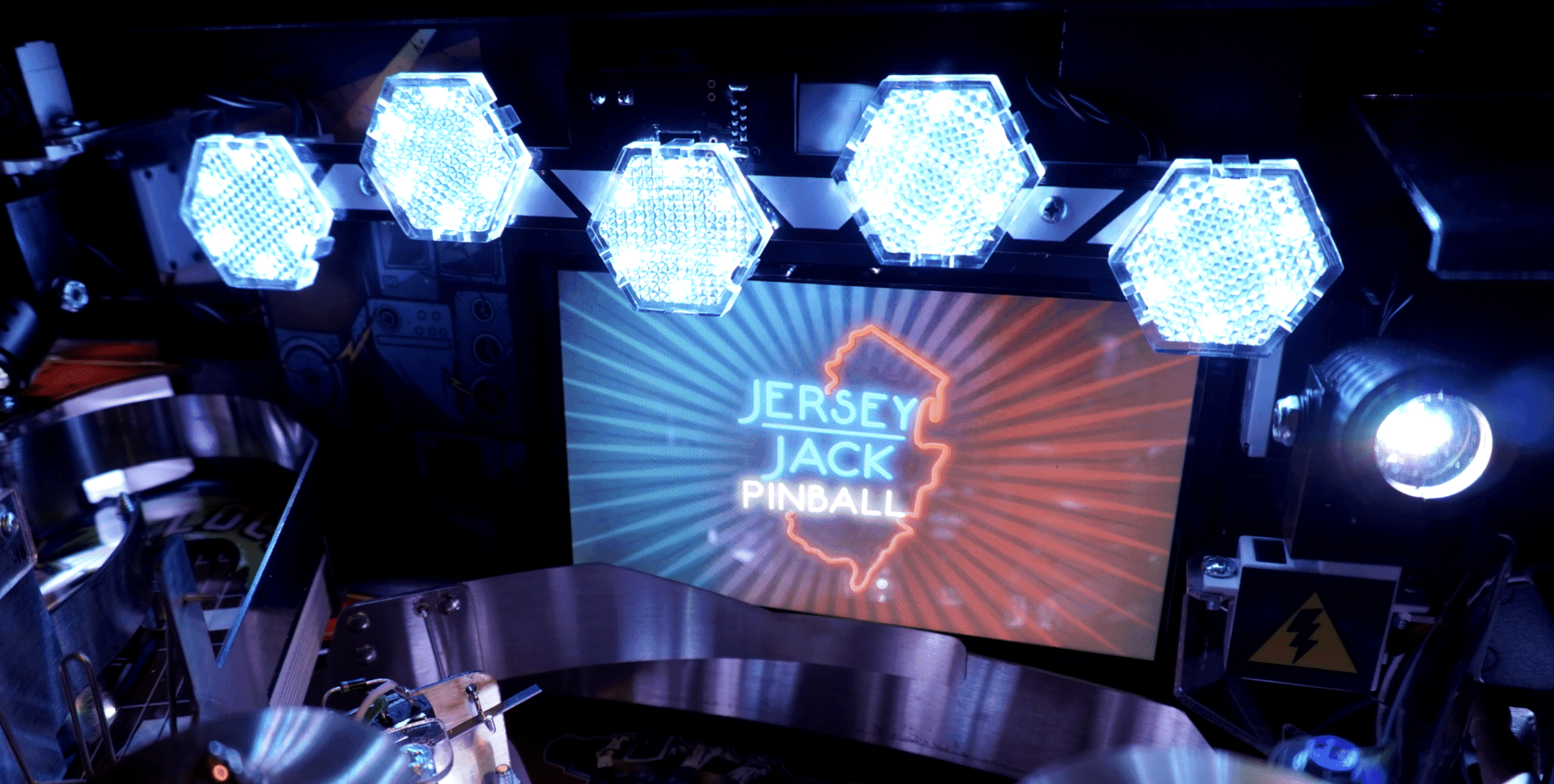
- 1 Exposed Core Playfield Magnet
- 3 pop bumpers
- Lockdown Bar Action Button
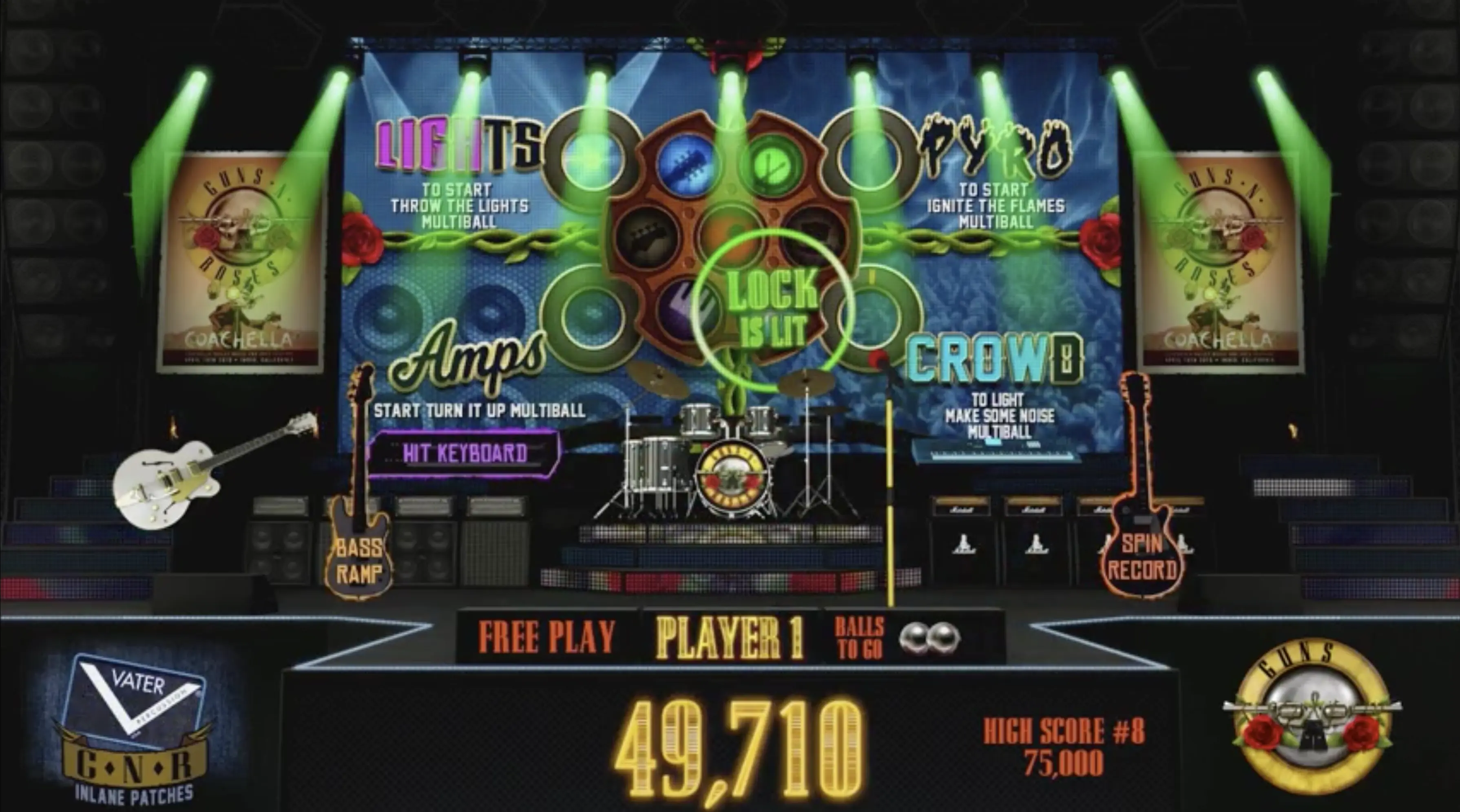
- 7” Stage Display Showcasing Additional Game Rules and Animations
- Familiar In-Song Performance Assessment Rock-it Meter
- New Non-Mechanical Ball Sensors
- 75+ Mini-insert LEDs for World Tour Map and Music Notes
- Unique Guaranteed-Progress Inlane Configuration
- COMA Area Outlane Ball Save
- Tool-less Moveable/Removeable Magnetic Rule and Pricing Cards
Standard Edition:
- Monsterized Roadsters Cabinet Art Package
- Black Textured Powder Coat
- Blood Red Plastic Set
- Hand-Drawn Monsterized Band SE Backglass
- Unlimited Production
- 200+ Individually Controlled RGB LEDs
- Full Band On Stage Illuminable Toy
- 3 Flippers
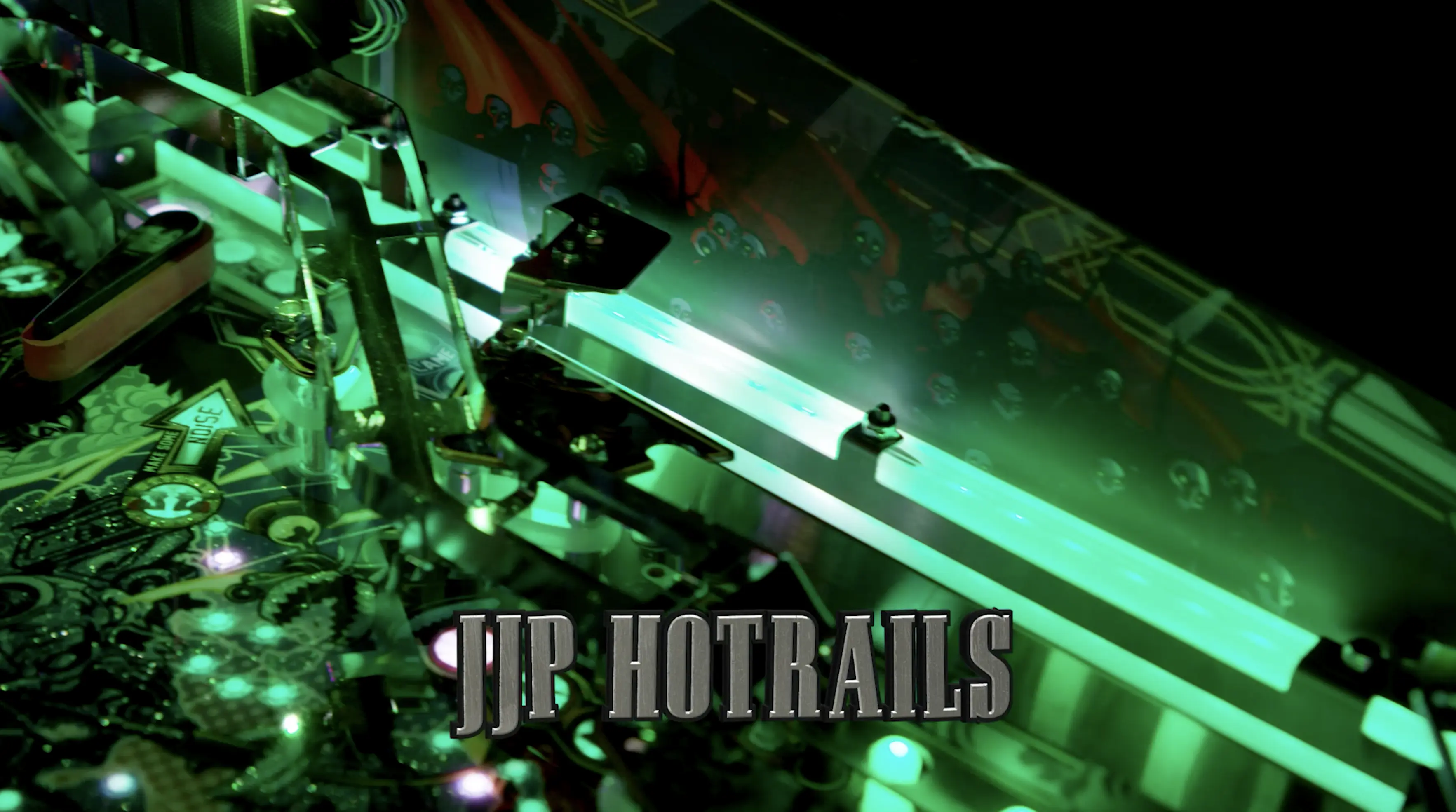
- Bright White LED Controllable Hotrail Lighting
- Laser-etched Glowing Fender Bass Ramp Decoration
Limited Edition and Collector’s Edition:
- 4 Flippers
- Individually Controllable RGB LED Hotrail Lighting
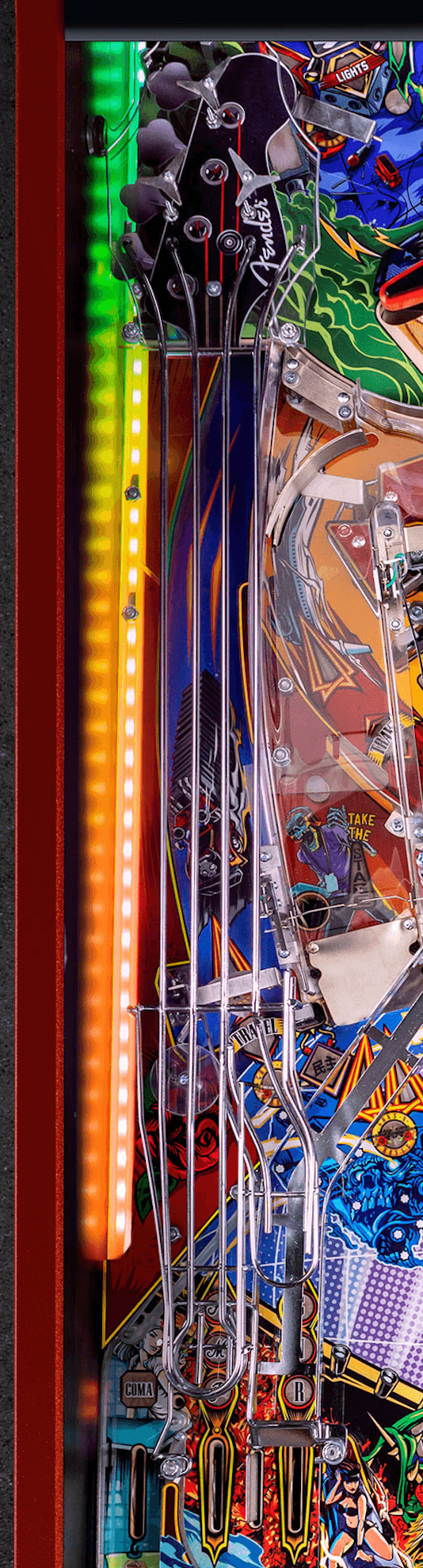
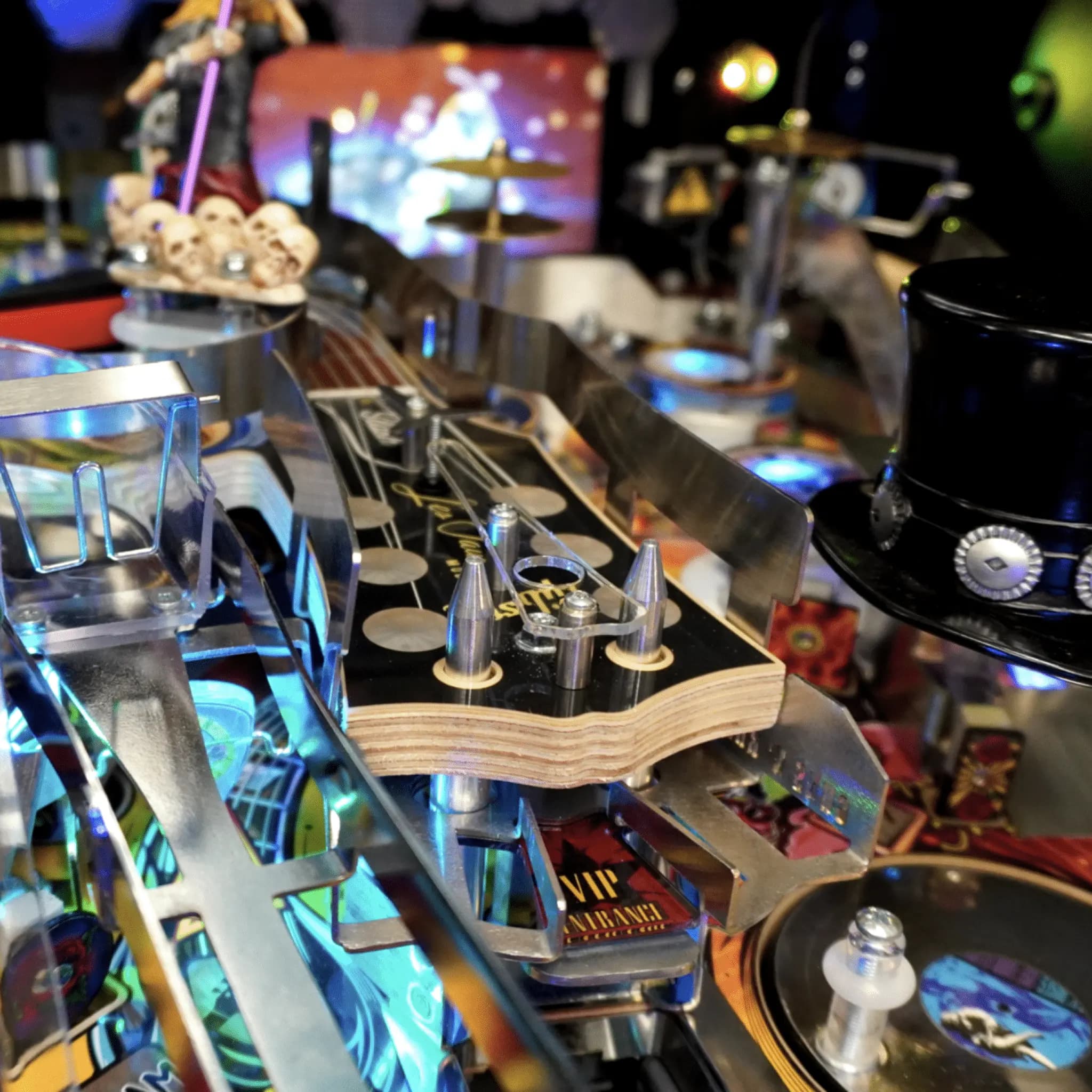
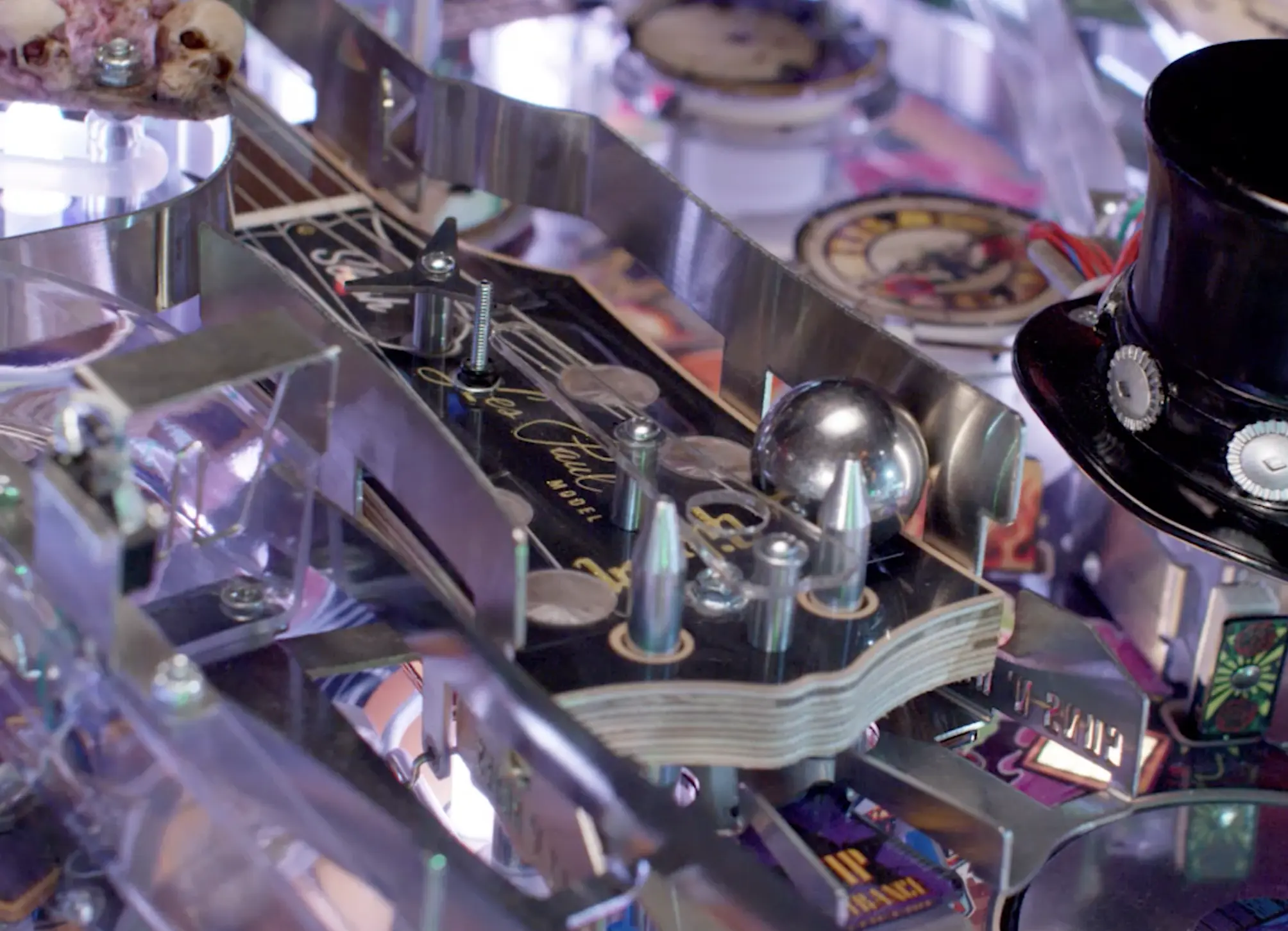
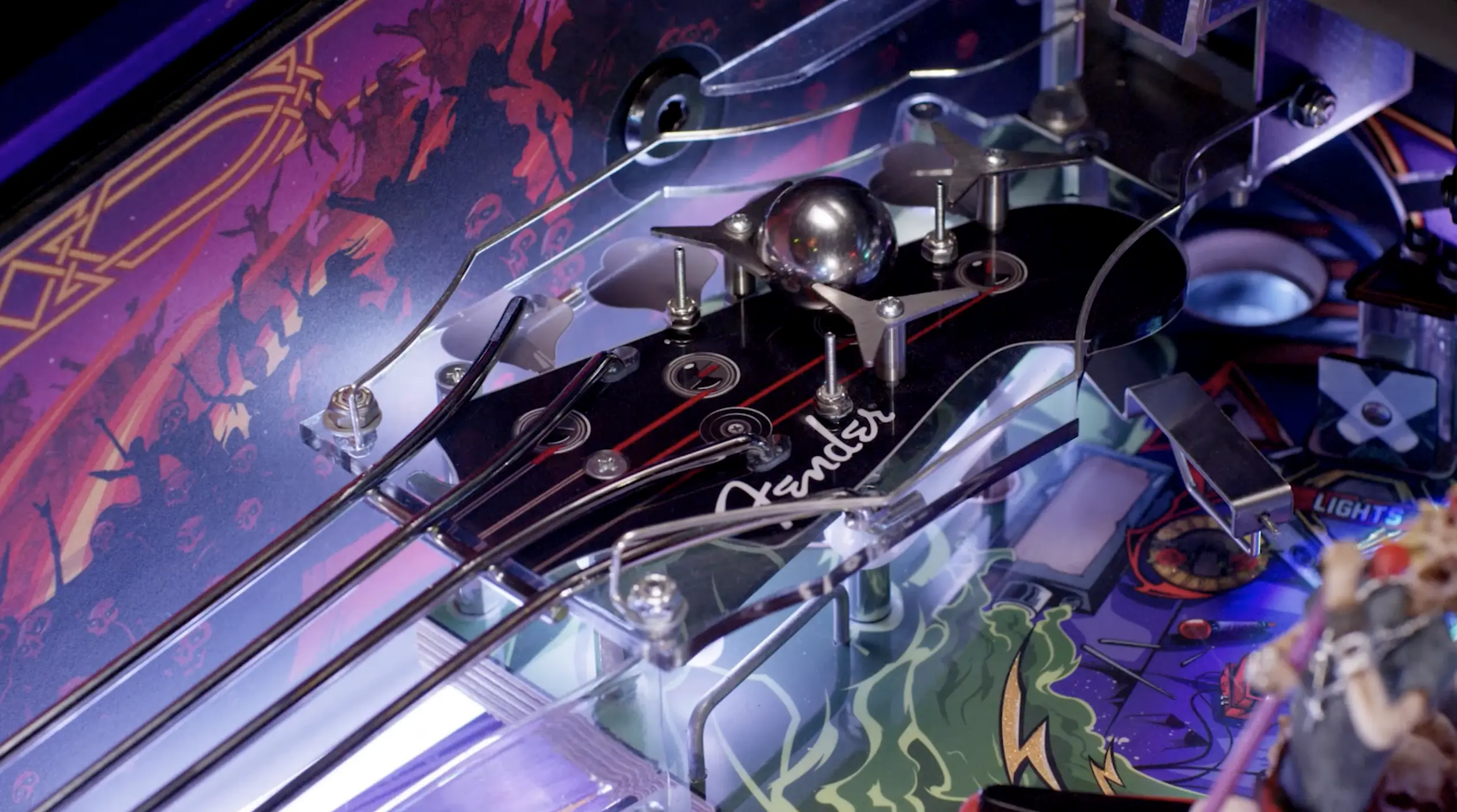
- Triple-Kinetic Diverter Fender Bass Head Mini Playfield
- Triple Path 4-String Bass Ramp Wireform
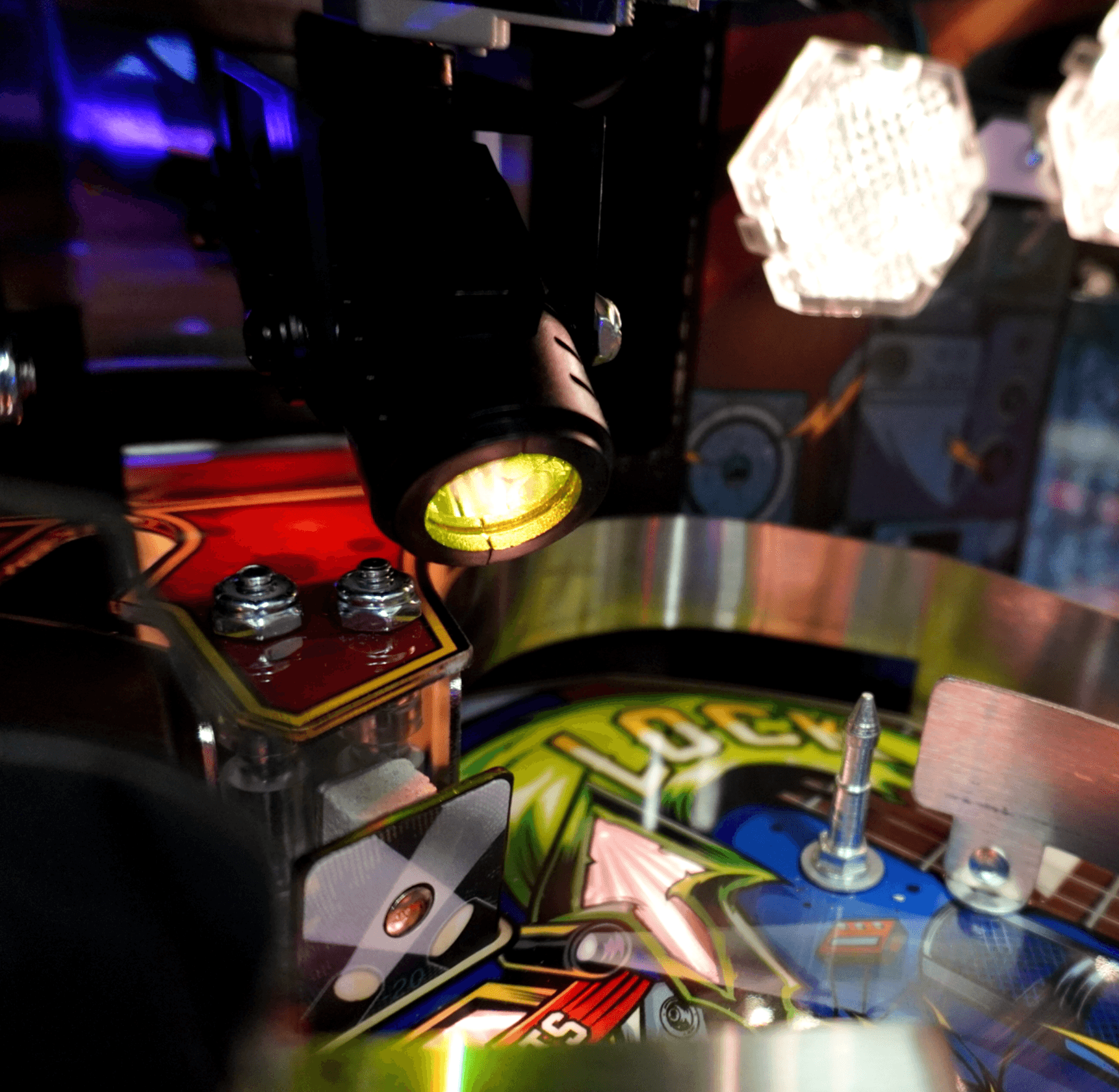
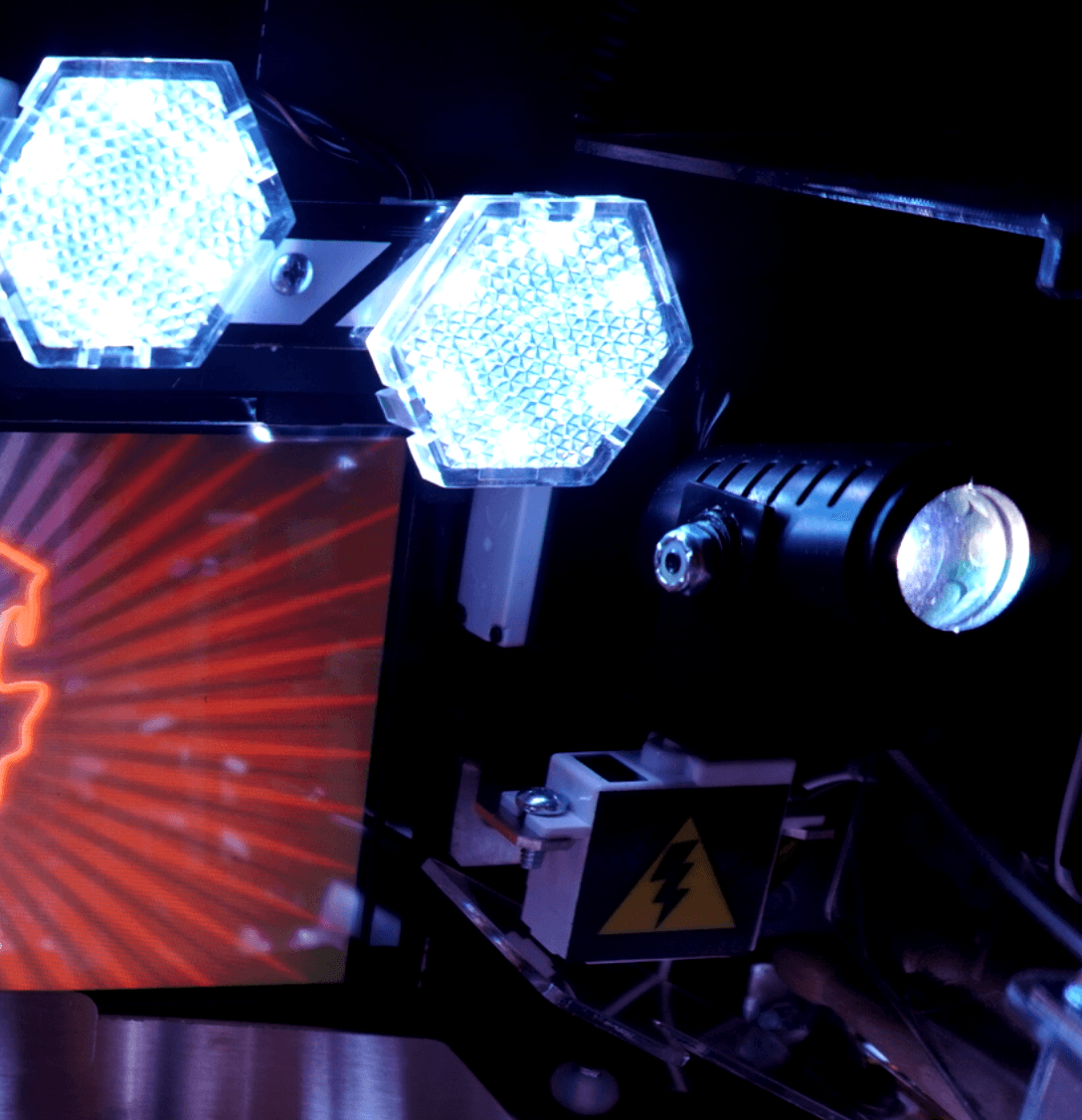
- 2 Full Motion Articulating RGB LED Stage Spotlights
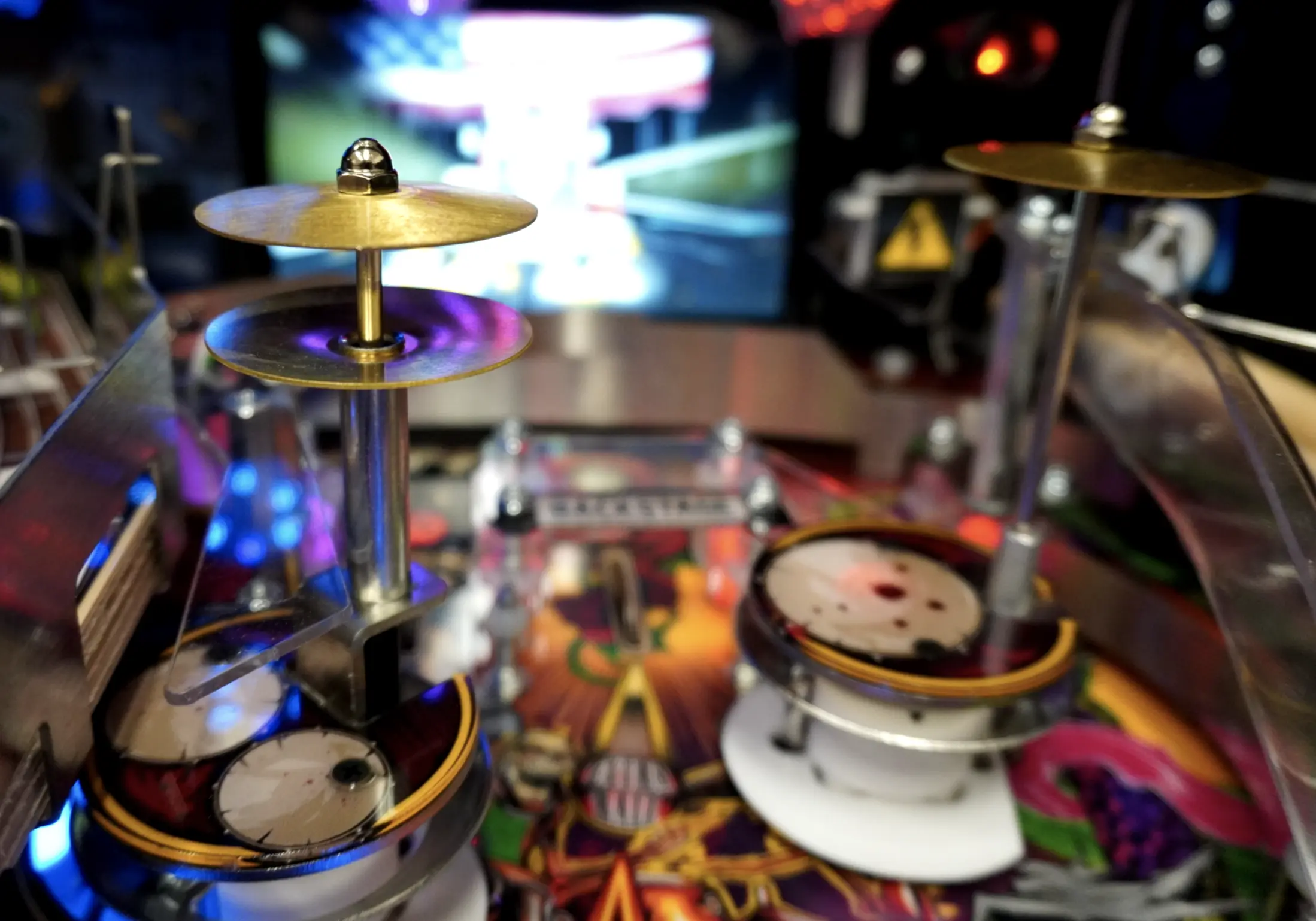
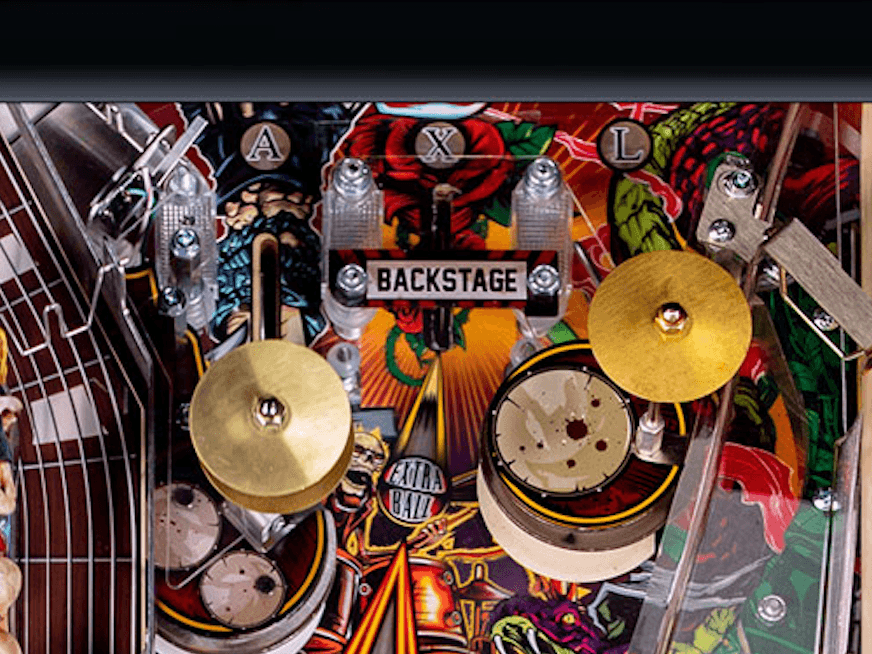
- High Hat and Cymbal Interactive Drum Kit Pop Bumper Toys
- Analog + Bluetooth Headphone Connectivity
- Shaker Motor
- Invisiglass
Limited Edition:
- GNR Tour Poster Cabinet Art Package
- Red Brick Powder Coat
- Blood Red Plastic Set
- Hand Drawn Skeletal Band LE Backglass
- Individually Numbered and Limited to 5000
- 350+ Individually Controlled RGB LEDs
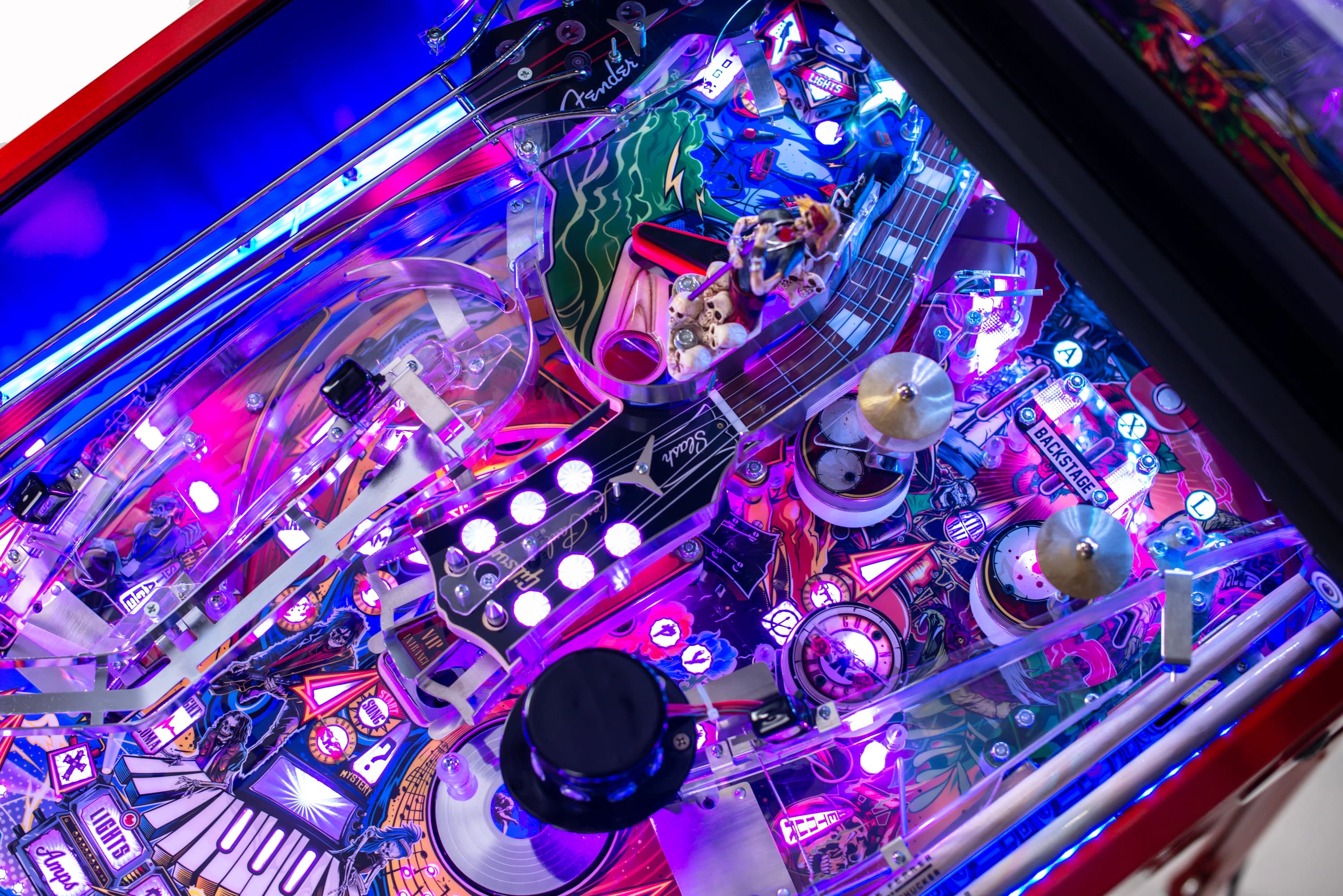
- Gibson Headstock Upper Playfield with 6 Ball Lock
Collector’s Edition:
- Appetite for Destruction Mirrored RadCal Cabinet Art Package
- Appetite-Purple Powder Coat + Laser-cut Cabinet Trim
- Purple Emotion Plastic Set
- Hand Drawn Band vs Barron CE Mirrored Backglass
- Individually Numbered and Limited to 500
- 600+ Individually Controlled RGB LEDs
- JJP Sparkle Gibson Headstock Upper Playfield with 6 Ball Lock
- Signature Card Signed by Axl Rose, Duff McKagan, and Slash
- Drumstick Ramp Signed by Frank Ferrer
- Unique CE-Exclusive Playfield Artwork featuring JJP Sparkle
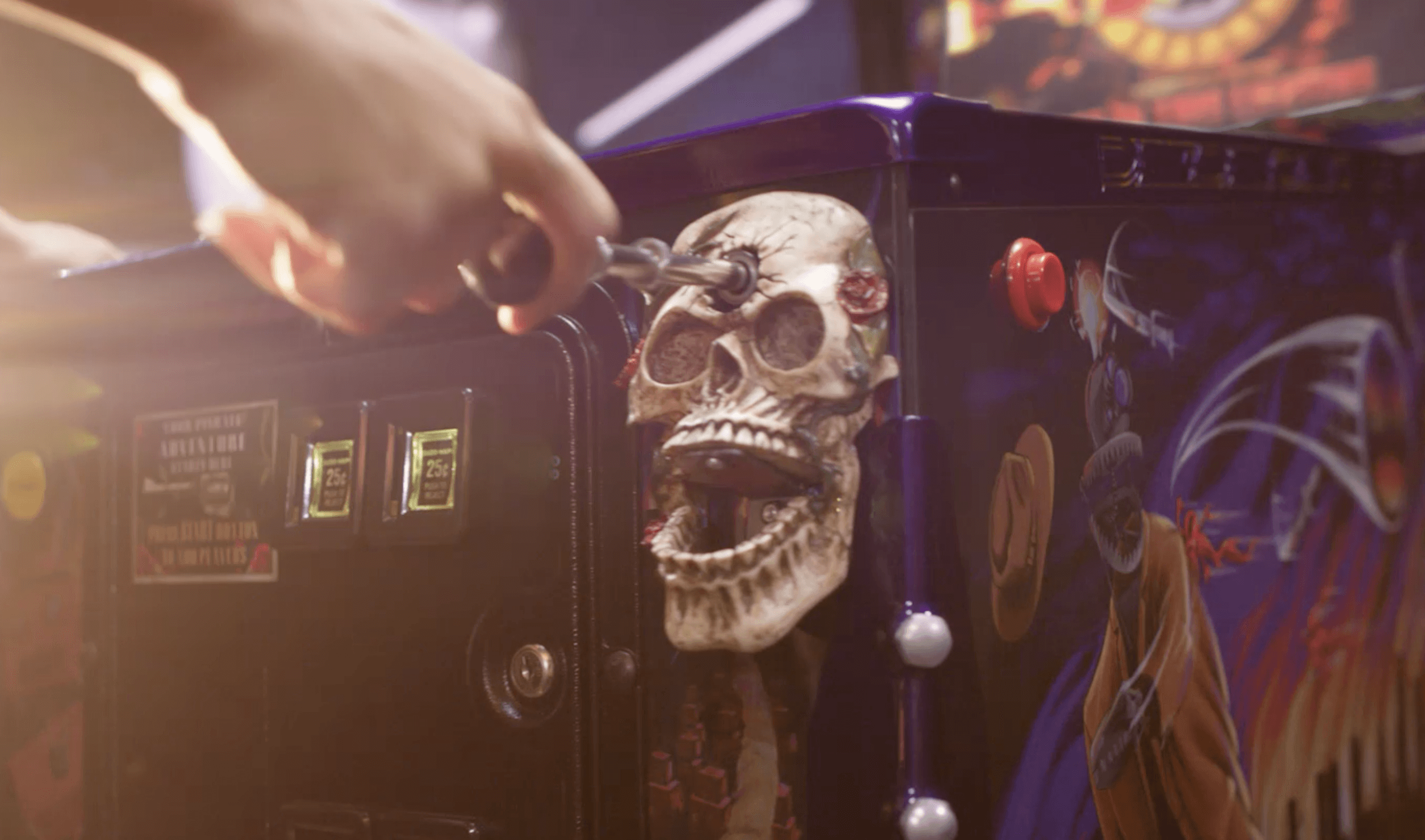
- Skull and Rose Shooter-housing Sculpture
- Individually Controllable RGB LED Under & Rear Cabinet Lighting Kit
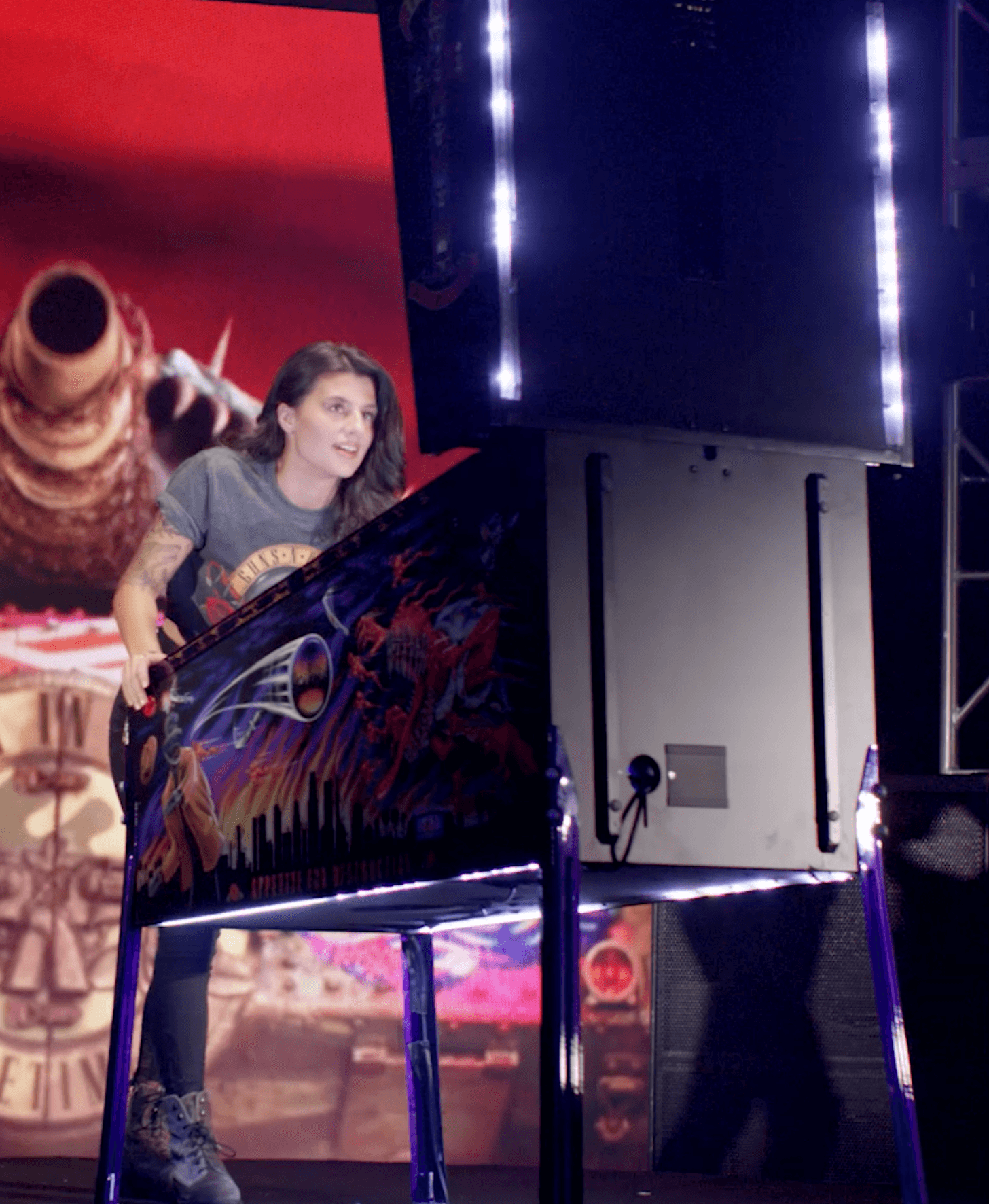
- Sideblades Interior Cabinet Artwork
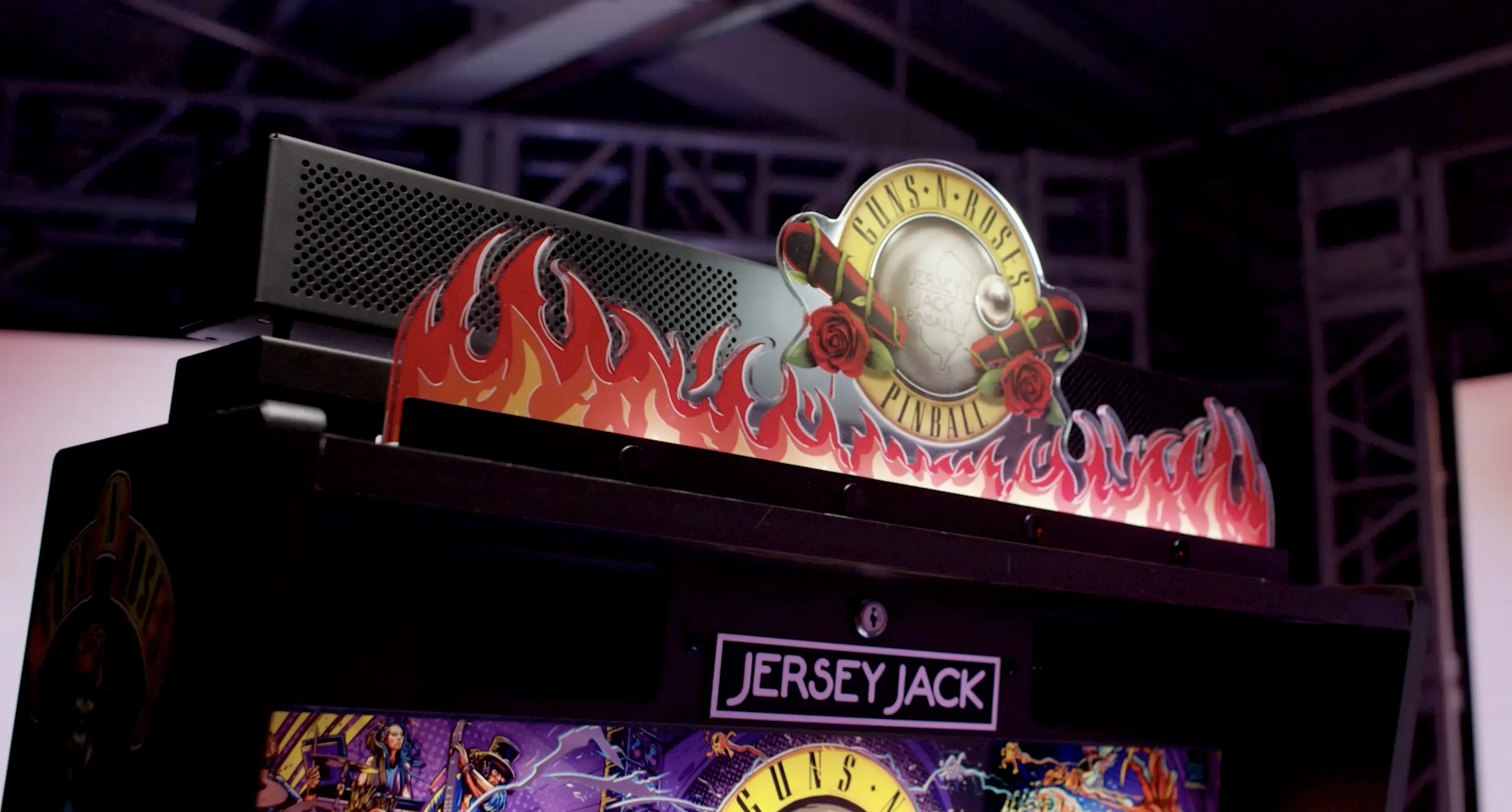
- 60Watt JJP Sound Bar with Individually Controllable RGB LED Lit Topper
- Rose Flowers Action Button Sculpture
- COMA Outlane Ball Save Physical Lock-up Feature

Rules n' Code
NOTE: Subject to change.
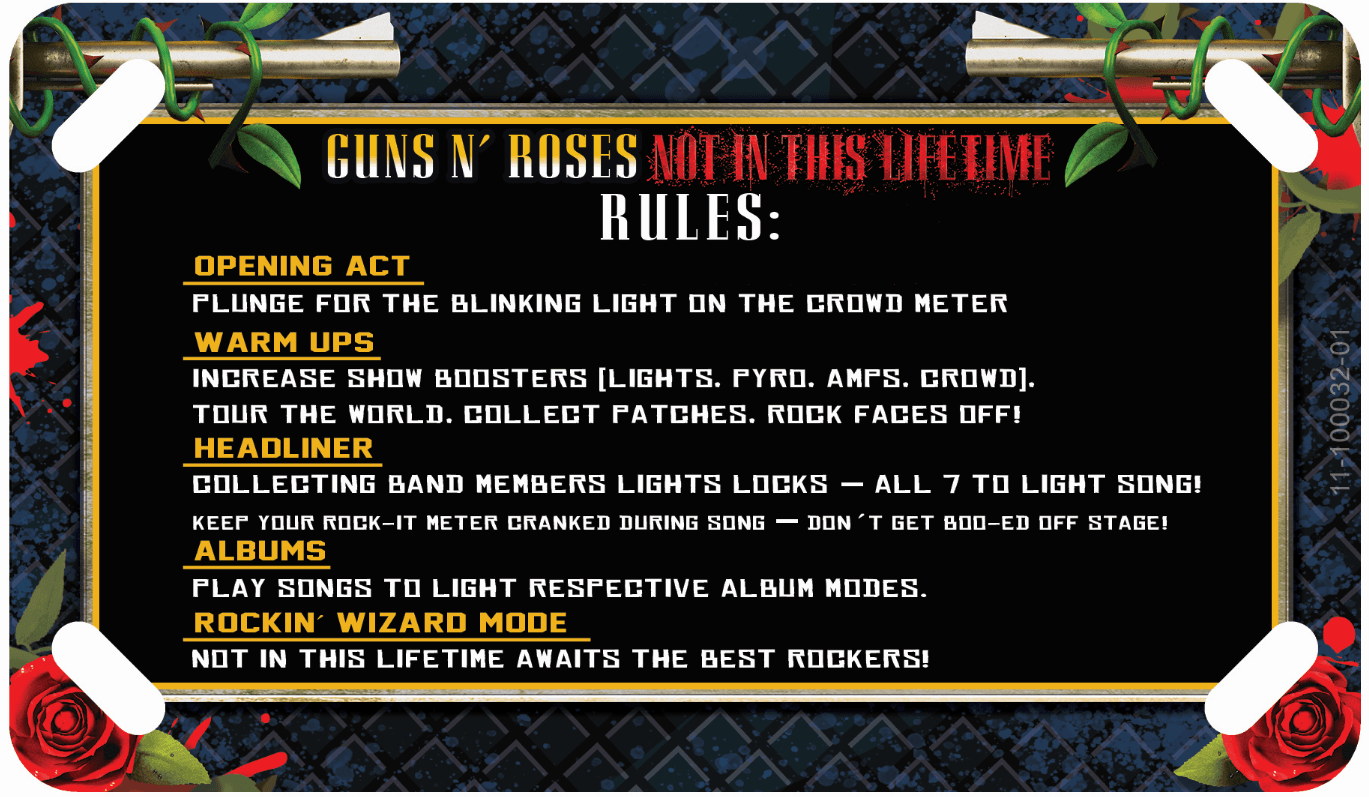
Guns N’ Roses Instruction Card and Flowchart
Check out instruction card and the beautiful Jersey Jack Pinball Flowchart for Guns N’ Roses!
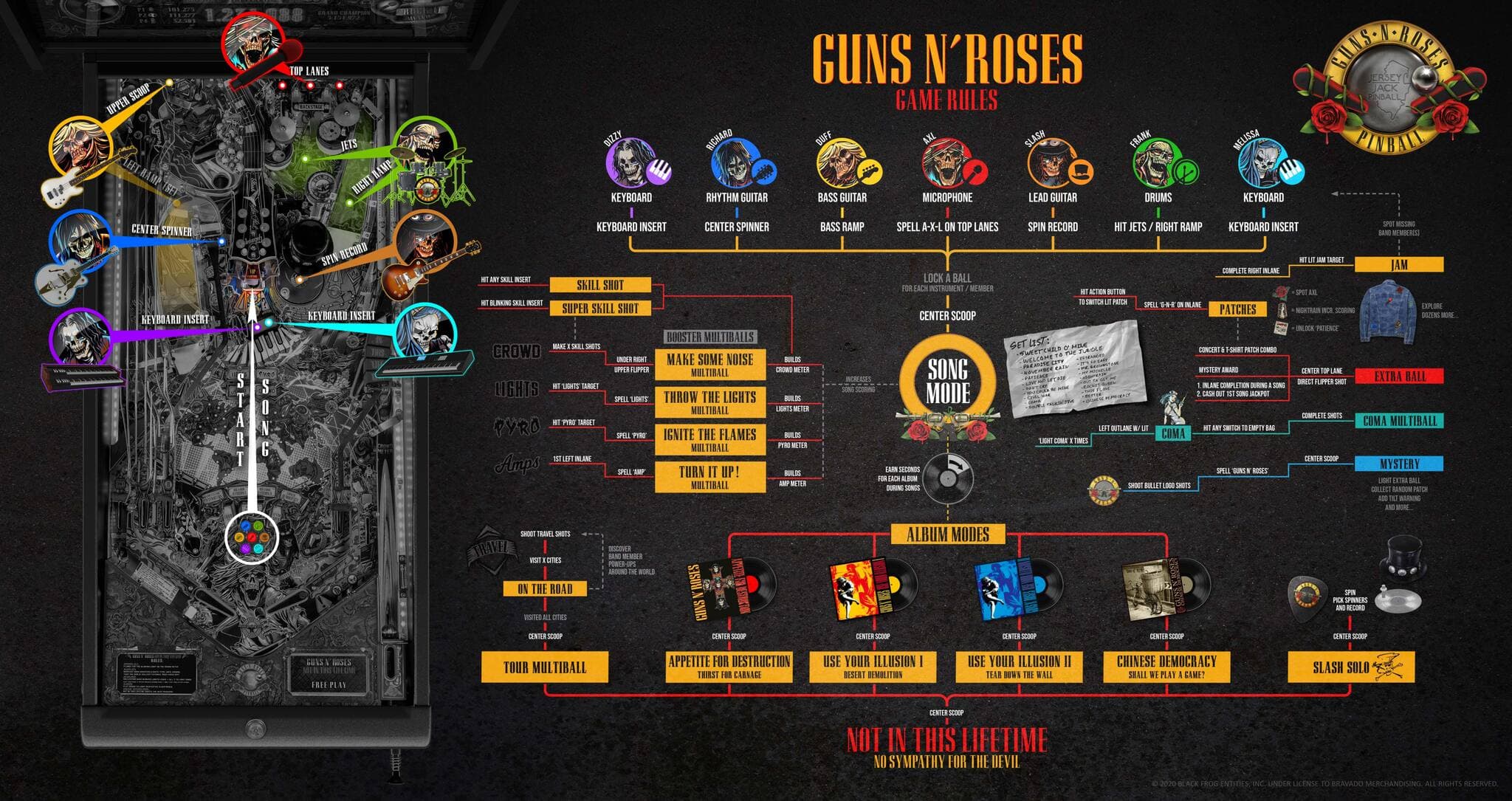
Skill Shots
Soft plunge to any of the Crowd Meter inserts to achieve the Skill Shot. Soft plunge to the blinking Crowd Meter insert for the Super Skill Shot.
Songs in the game
The songs in the game are primarily from the following four albums:
There are 21 songs in the game, and each song has its own rules and all are heavy on risk/reward (more on that below). The game ships with 15 songs enabled – the 6 containing explicit content are disabled by default, and can be unlocked when explicit/adult settings are enabled. The songs in the game include:
- Sweet Child O’ Mine
- Welcome to the Jungle
- Paradise City
- November Rain
- Live and Let Die
- Don’t Cry
- You Could Be Mine
- Civil War
- COMA
- Double Talkin’ Jive
- Estranged
- It’s So Easy
- Mr. Brownstone
- My Michelle
- Nightrain
- Out Ta Get Me
- Rocket Queen
- This I Love
- Better
- Chinese Democracy
- Patience (this song is from G N’ R Lies, and is the only song that is not on the four albums featured in the game)
Band Members
There are seven band members in the game, and seven shots that correspond to those band members:
- Axl Rose – spell A-X-L on the top lanes
- Slash – spin platinum record
- Duff McKagan – bass ramp on the upper playfield or two left ramps
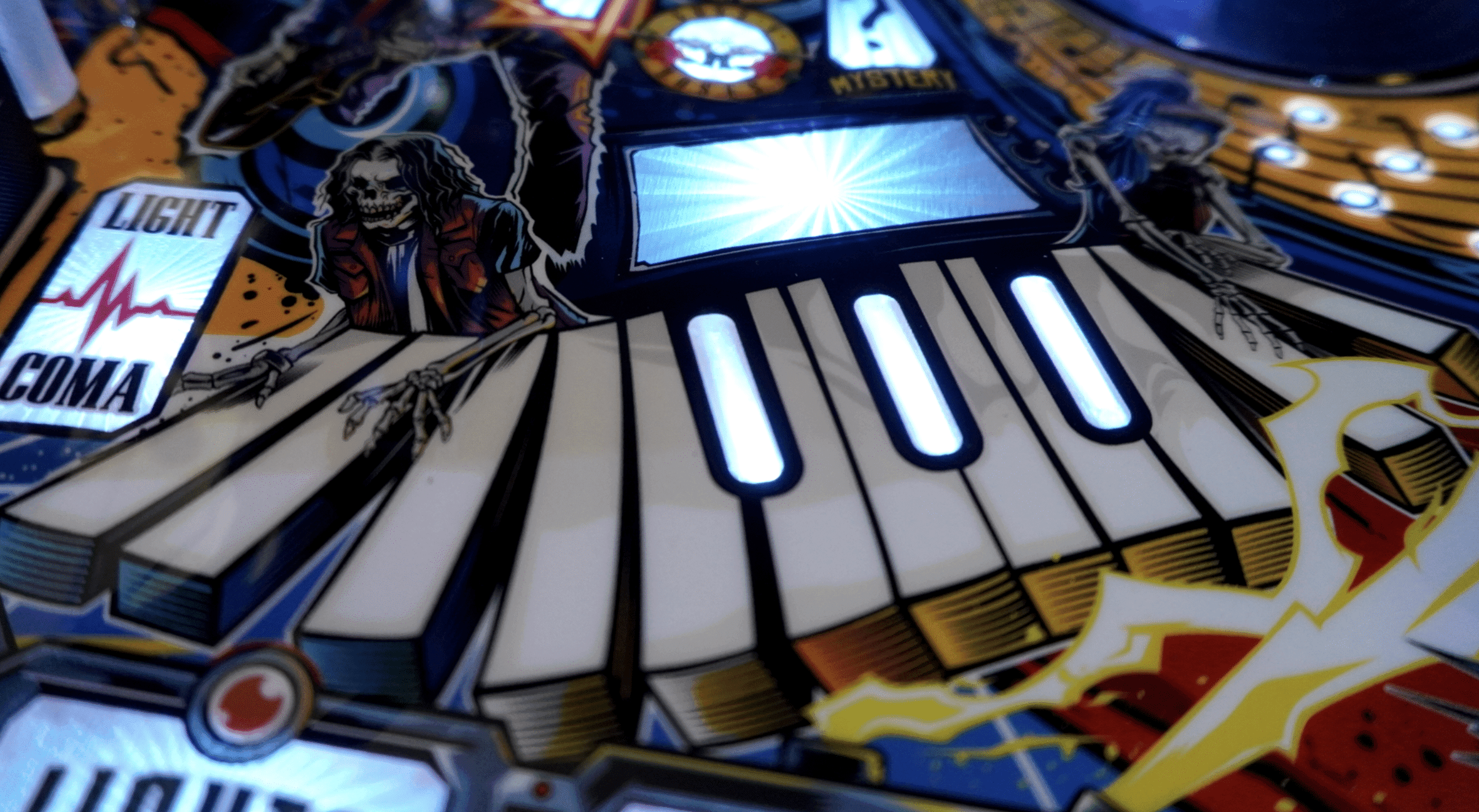
- Dizzy Reed – keyboard
- Melissa Reese – keyboard
- Richard Fortus – center guitar pick spinner
- Frank Ferrer – pop bumpers or right (drumstick) ramp
The band members correspond to the circular inserts just above the flippers:
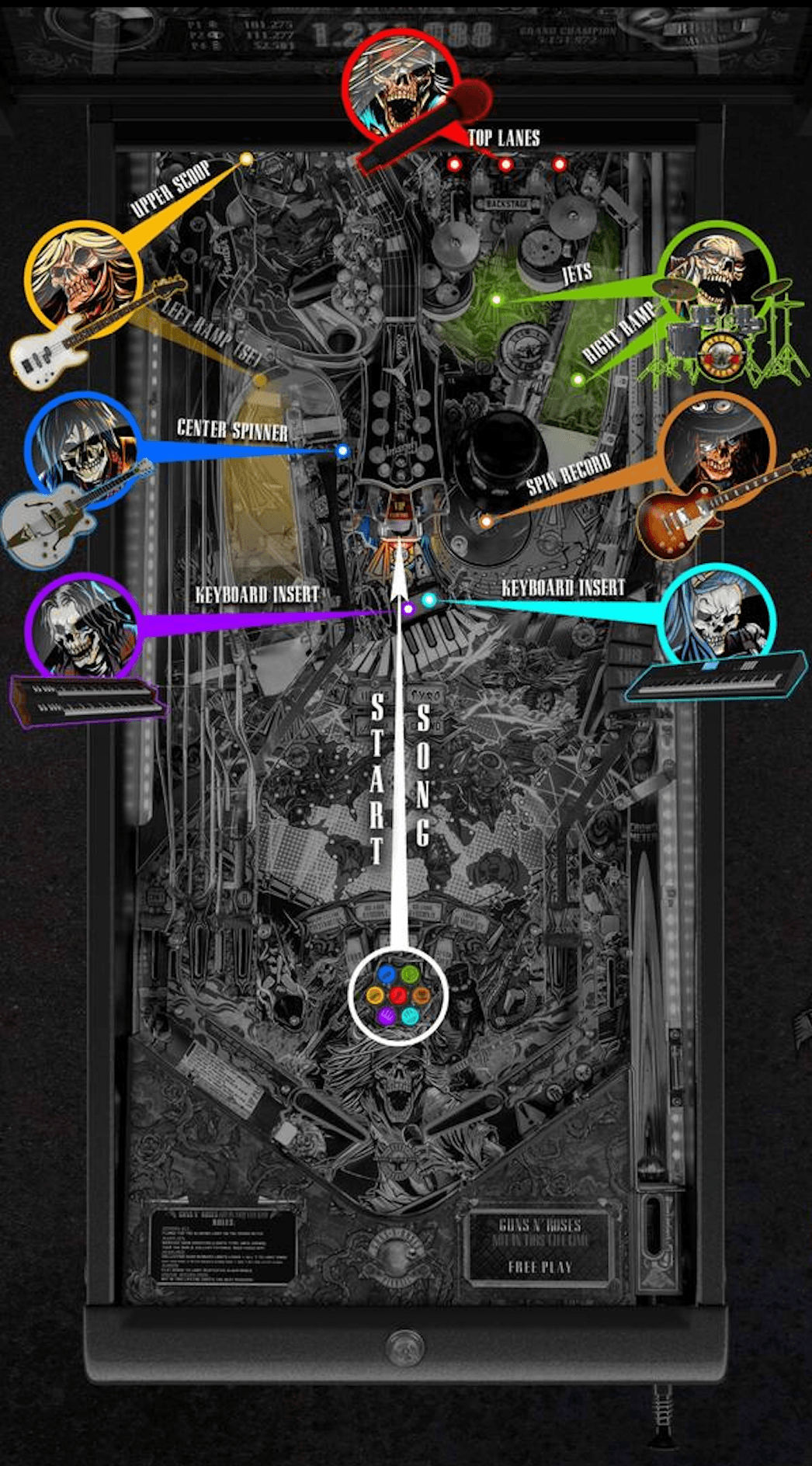
Qualify different band members by hitting their respective shots. When all seven band members are qualified, you shoot the center scoop to start Song Mode (see below for more on Song Modes).
After you’ve qualified a band member, the upper playfield (on the Limited Edition and the Collector’s Edition) is opened up for locking a ball for that band member. On the Standard Edition, complete two left ramps for a ‘virtual lock’. You can lock up to six balls, so each song can potentially be a multiball, up to six balls.
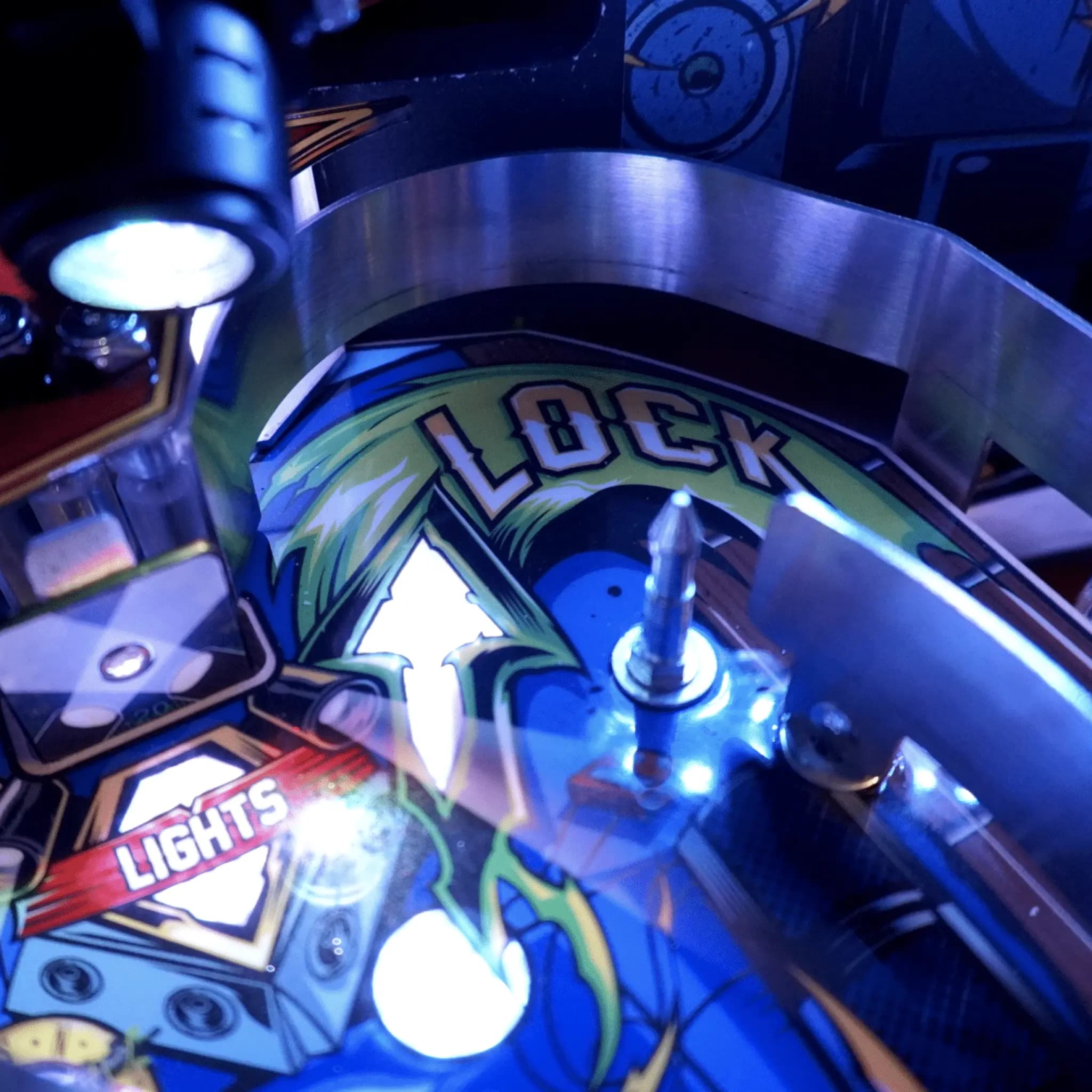
If you lock six balls it will automatically start Song Mode.
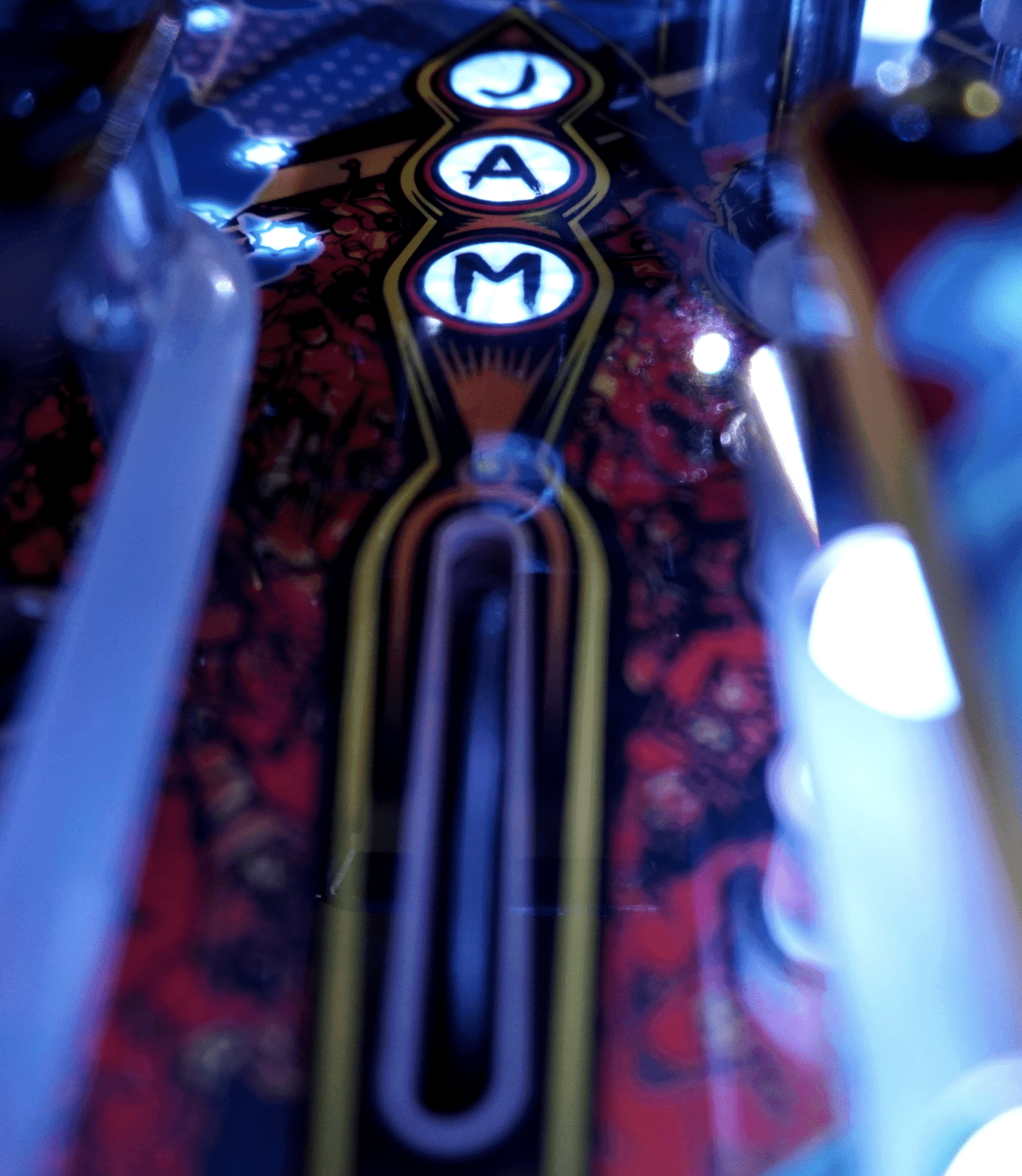
J-A-M Award Band Members
Complete J-A-M on the right inlane can also award you band members. If you complete J-A-M and you hit the target just to the left of the middle scoop it will advance band members. Based on how you hit that target – if you hit it on the fly after you’ve completed J-A-M or you make an orbit shot after you’ve completed J-A-M and combo it to hit the JAM target with the upper right flipper, it could complete all the band members or fully complete instead of just advancing a band member a little bit.

Song Modes
Once Song Mode is qualified, you shoot the center scoop and choose your song by hitting the action button. If you shoot the center scoop and don’t hit the action button, the game automatically selects the currently qualified song from the last Album stand-up target you’ve hit. Album stand-up targets are the four targets flanking the ramps (one at either side of the left ramp entrance, one at either side of the right ramp entrance) . There is artwork depicting which target represents which album.
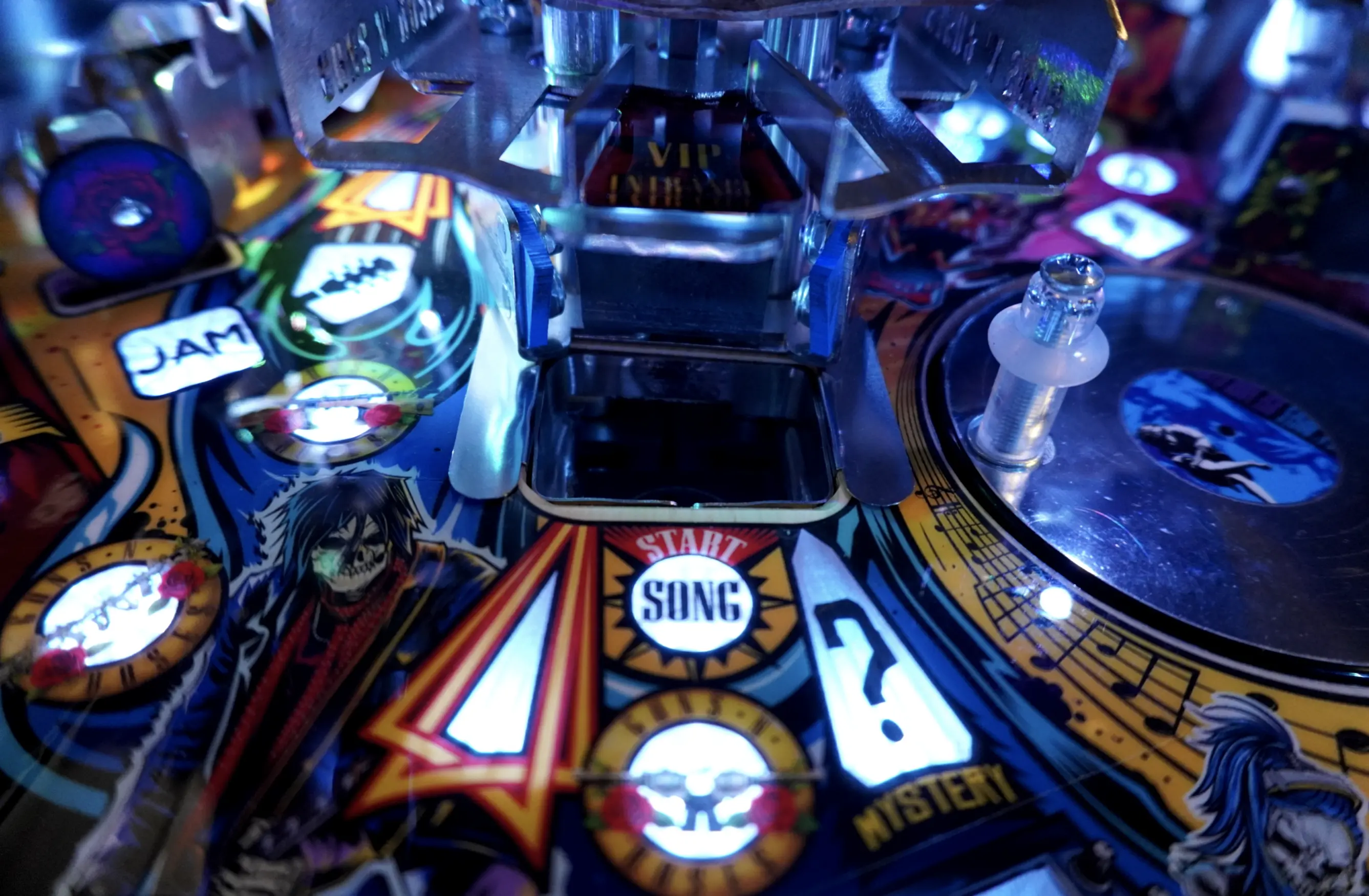
All of the songs have unique rules and light shows. You play the entire song, which range from Live and Let Die (which is between three and four minutes long) through November Rain (which is between nine and ten minutes long).
Song Mode Stages
Each song has unlimited “stages” or “levels” that you can progress through. [For example, hit three specific shots to complete the first stage/level.]
The Song Modes are heavily based on risk vs. reward. In single ball play, after you complete a stage you can shoot the center scoop for the option to end your song and cash out your jackpot – OR you can decide to risk it and keep playing the song. If you keep playing, you will add a ball and build up your jackpot which get excessively higher each time you complete a stage and decide to keep going.
Think of it like the tv show Deal or No Deal – your first jackpot value may be 8,000 points depending on how you’re doing in the mode. If you keep going, the second jackpot value may be 30,000, then 90,000, then 200,000.
If you’re in multiball during a Song Mode, after you complete a stage and you shoot the center scoop, it will automatically start the next stage and add a ball. That will continue until you get down to one ball.
Rock-It Meter
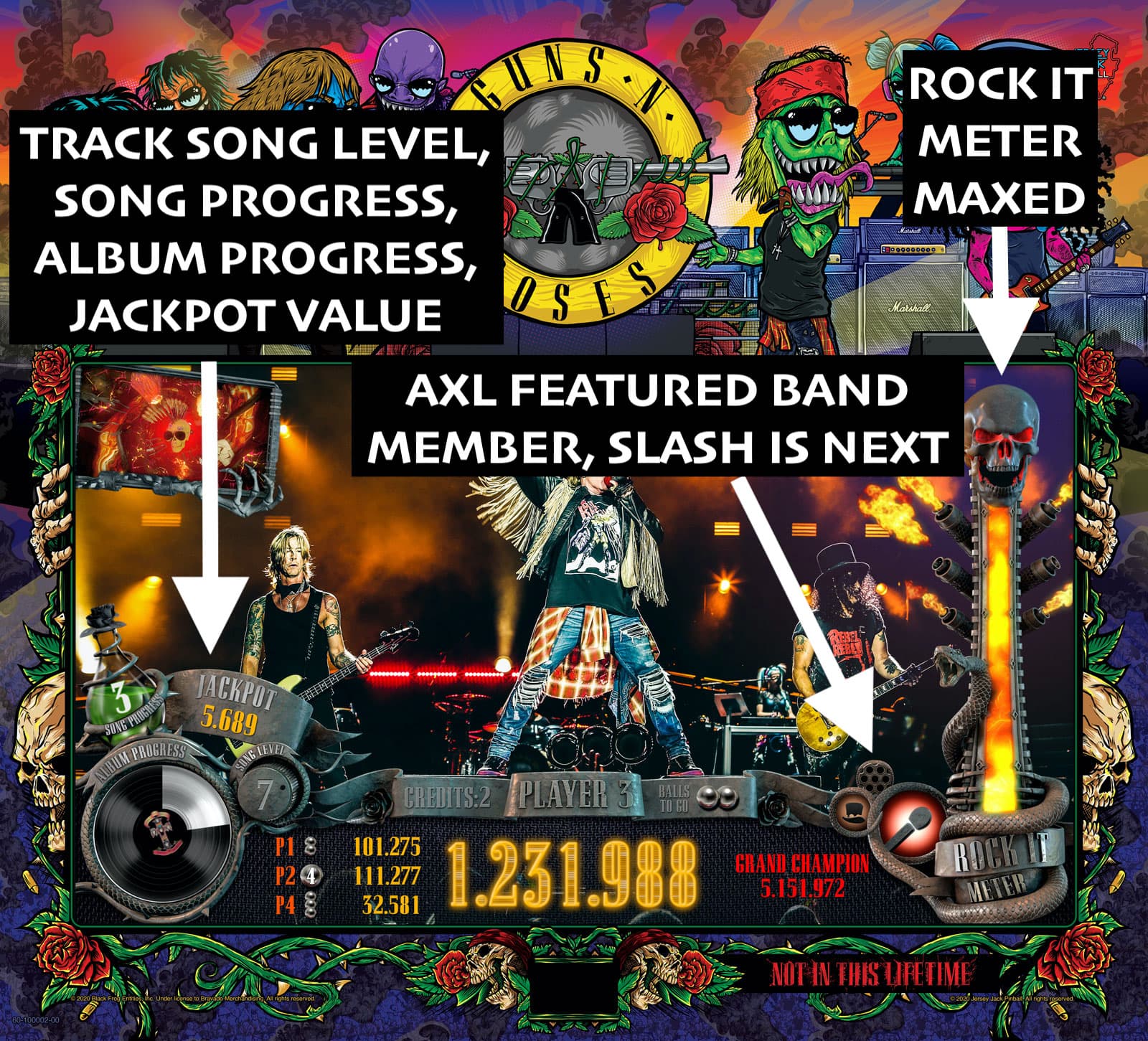
During Song Modes, you will see a Rock-It Meter on the right side of the display that keeps track of how well you’re playing. [Note: This is similar to the Rock Meter if you’re familiar with Guitar Hero or Rock Band.] The Rock-It Meter is always decreasing. You can increase the Rock-It Meter level by successfully making shots.
There are several different gameplay features that affects how quickly your Rock-It Meter is draining. Booster Multiballs can help slow the rate that your Rock-It Meter decreases (more on Booster Multiballs below). Every time your flipper is in the “active” position – such as when you’re trapped up, your Rock-It Meter drains faster than normal.
Booed Off Stage
If you’re not playing well and your Rock-It Meter gets to the bottom, you will be booed off stage. The flippers will die, the song will end, the balls will drain. It doesn’t end the ball that you are on, but it will reset so the ball starts in the shooter lane. At that point you will need to re-qualify band members to get back into a song.
Encore
If you play really well and finish the entire song, and your Rock-It Meter is maxed out, you will reach Encore, and you get to go right into the next song.
Active Band Members and Band Frenzy
During Song Modes, there are featured band members that you can collect. Whoever is the featured band member currently playing in the song has their corresponding playfield feature enabled to collect them as an Active Band Member. If you collect all seven band members you start Band Frenzy.
You can identify the current featured band member and the other band members you’ve collected on the playfield inserts, and on lower right of the display. On the display you can also view the who the next featured band member will be.
Booster Multiballs
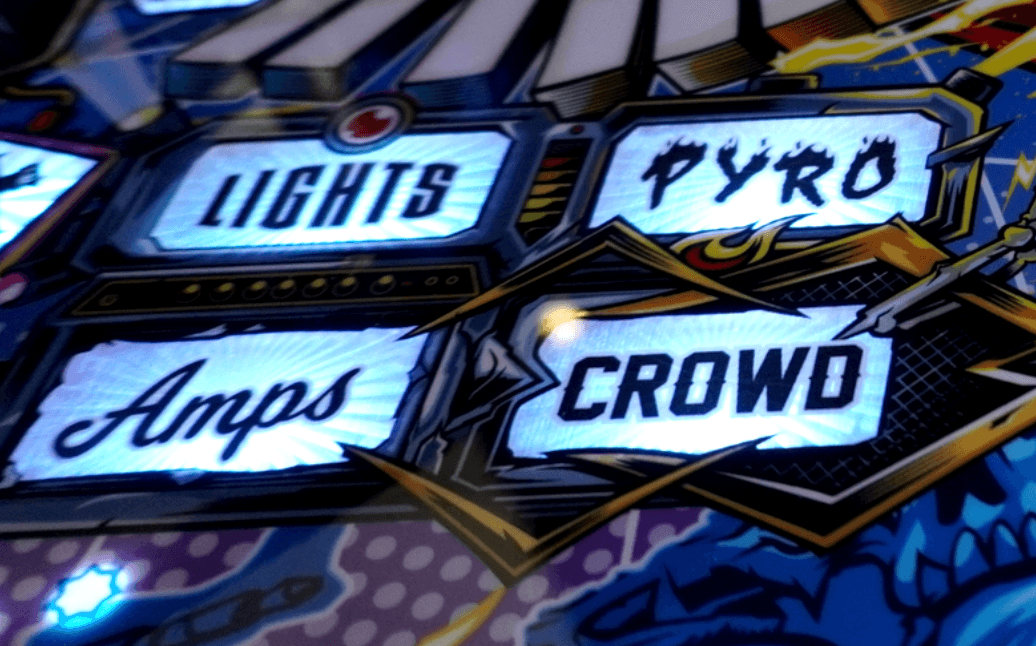
To increase scoring during Song Modes, you can play different Booster multiballs before starting a Song Mode. These Booster multiballs are all two ball multiballs and are represented by the Crowd, Lights, Amps, and Pyro inserts on the playfield.
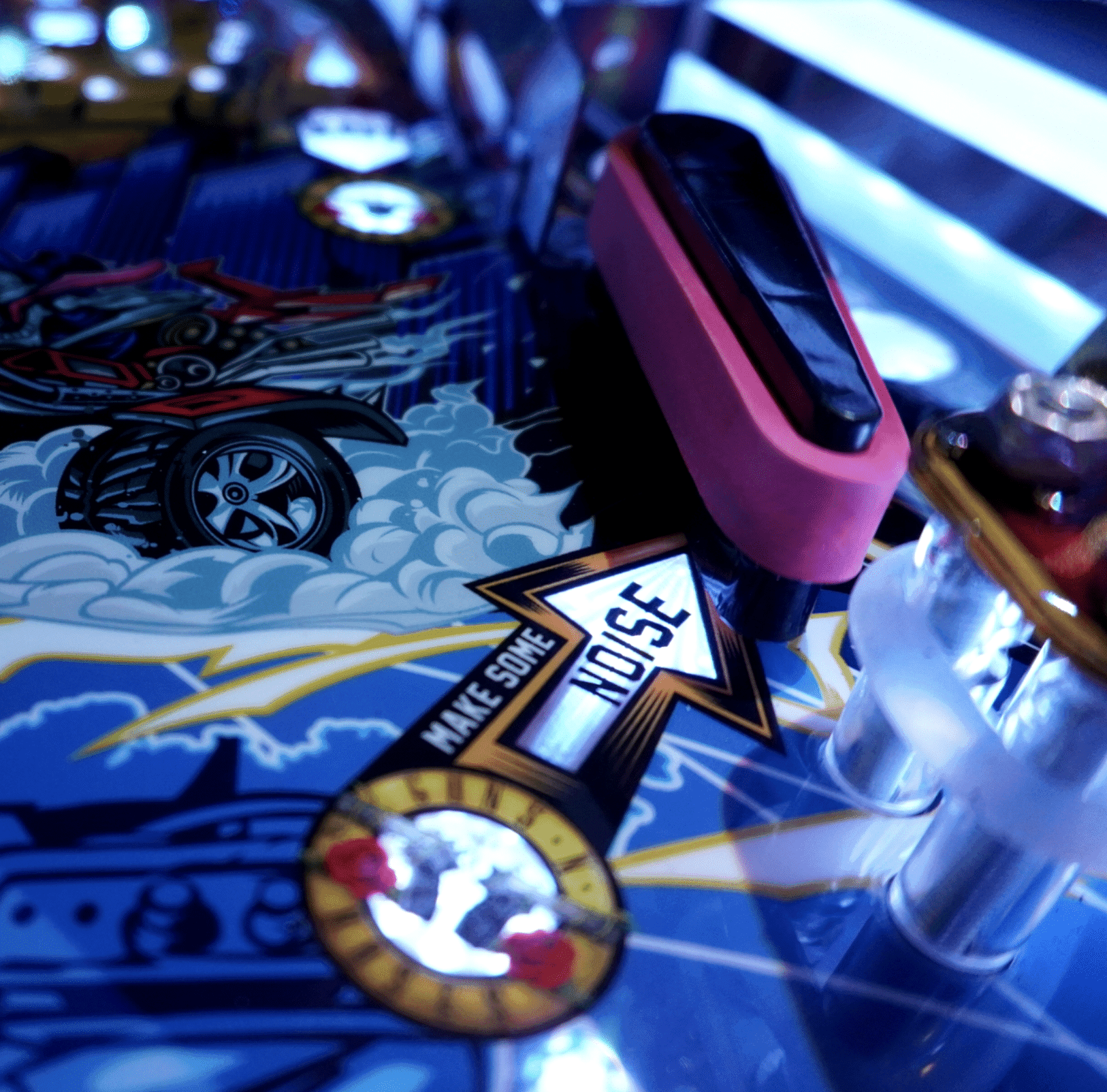
CROWD: Make Some Noise Multiball
To qualify CROWD, make a certain number of skill shots. Shoot under the right upper flipper to start Make Some Noise Multiball which will build your crowd meter. Jackpots are based on cyan colored shots in this multiball.
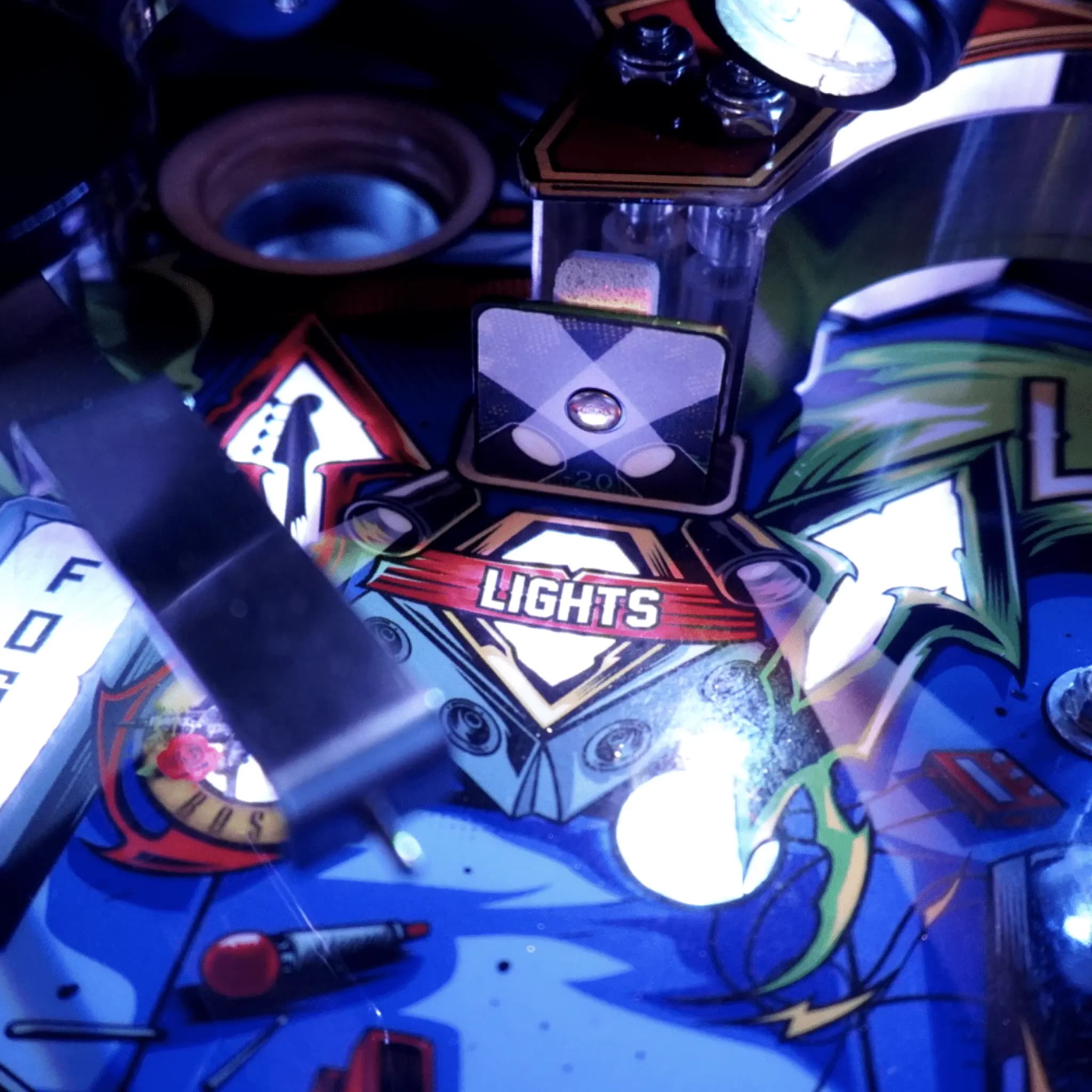
LIGHTS: Throw the Lights Multiball
Hit the Lights target to spell L-I-G-H-T-S to start Throw the Lights Multiball which will build your lights meter. Jackpots are based on ramp shots in this multiball.
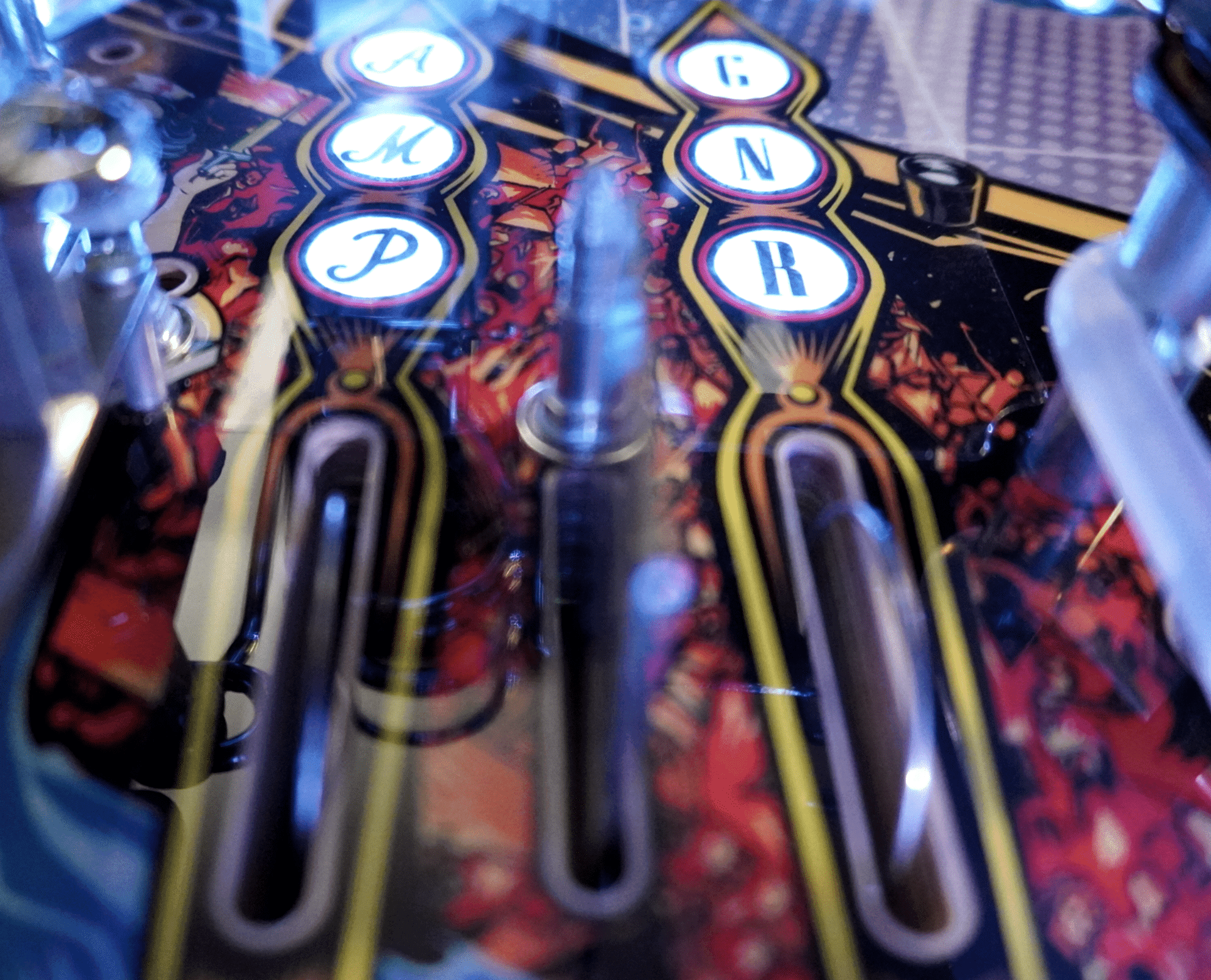
AMPS: Turn It Up! Multiball
Spell A-M-P at the outer left inlane to start Turn It Up! Multiball which will build your amp meter. Jackpots are based on yellow flashing hurry-up shots in this multiball.
PYRO: Ignite the Flames Multiball
Hit the Pyro target to spell P-Y-R-O to start Ignite the Flames Multiball which will build your pyro meter. This multiball is a switch frenzy mode. The jackpot is a timed-action-button sequence. Hit in the sweet spot at the right time for a Triple Jackpot. Slightly outside sweet spot is 2x jackpot, outside that range is a regular jackpot.

Album Modes
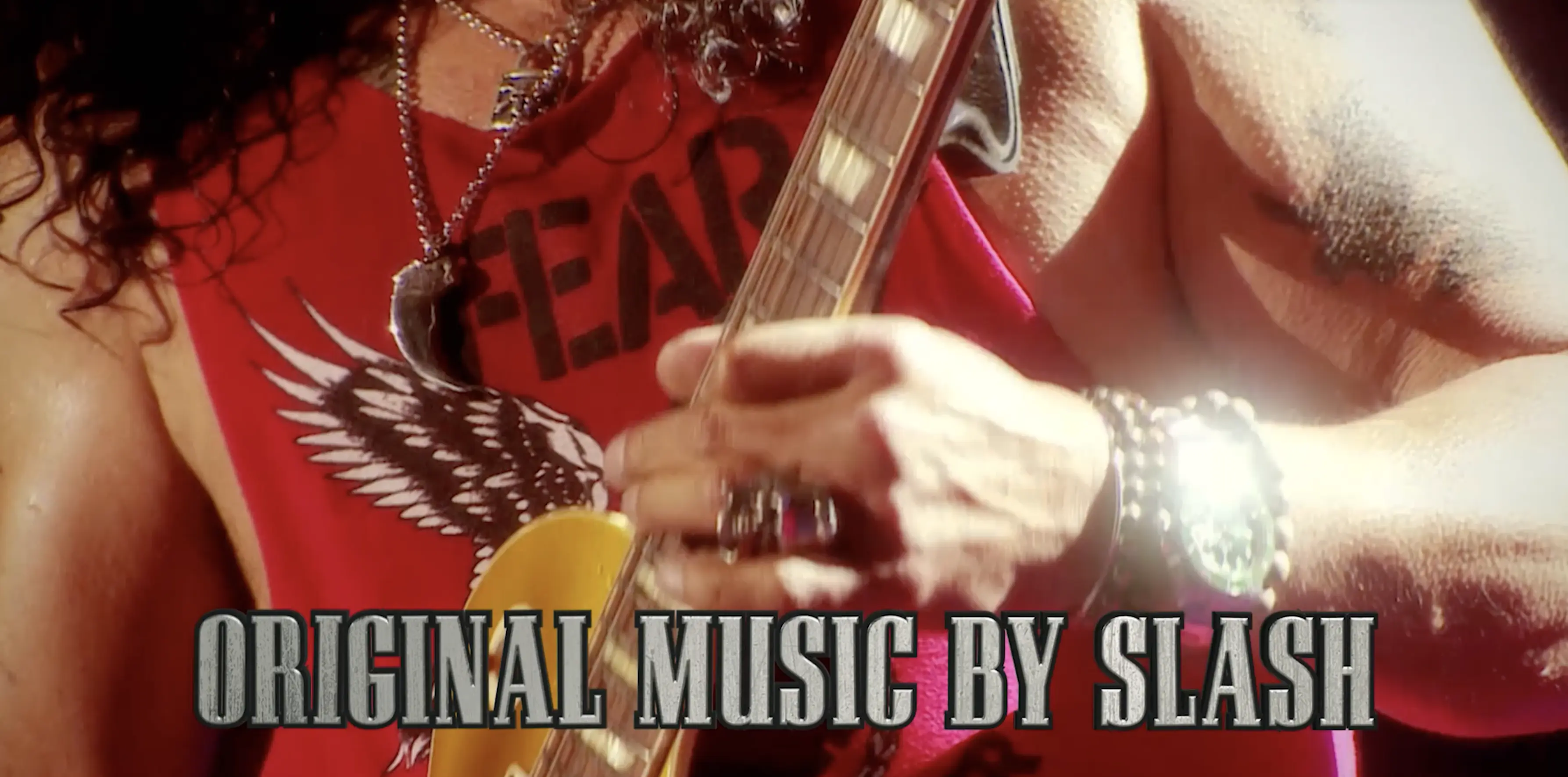
Album Modes are all single ball modes, and all have unique music composed and performed by Slash for the pinball machine.
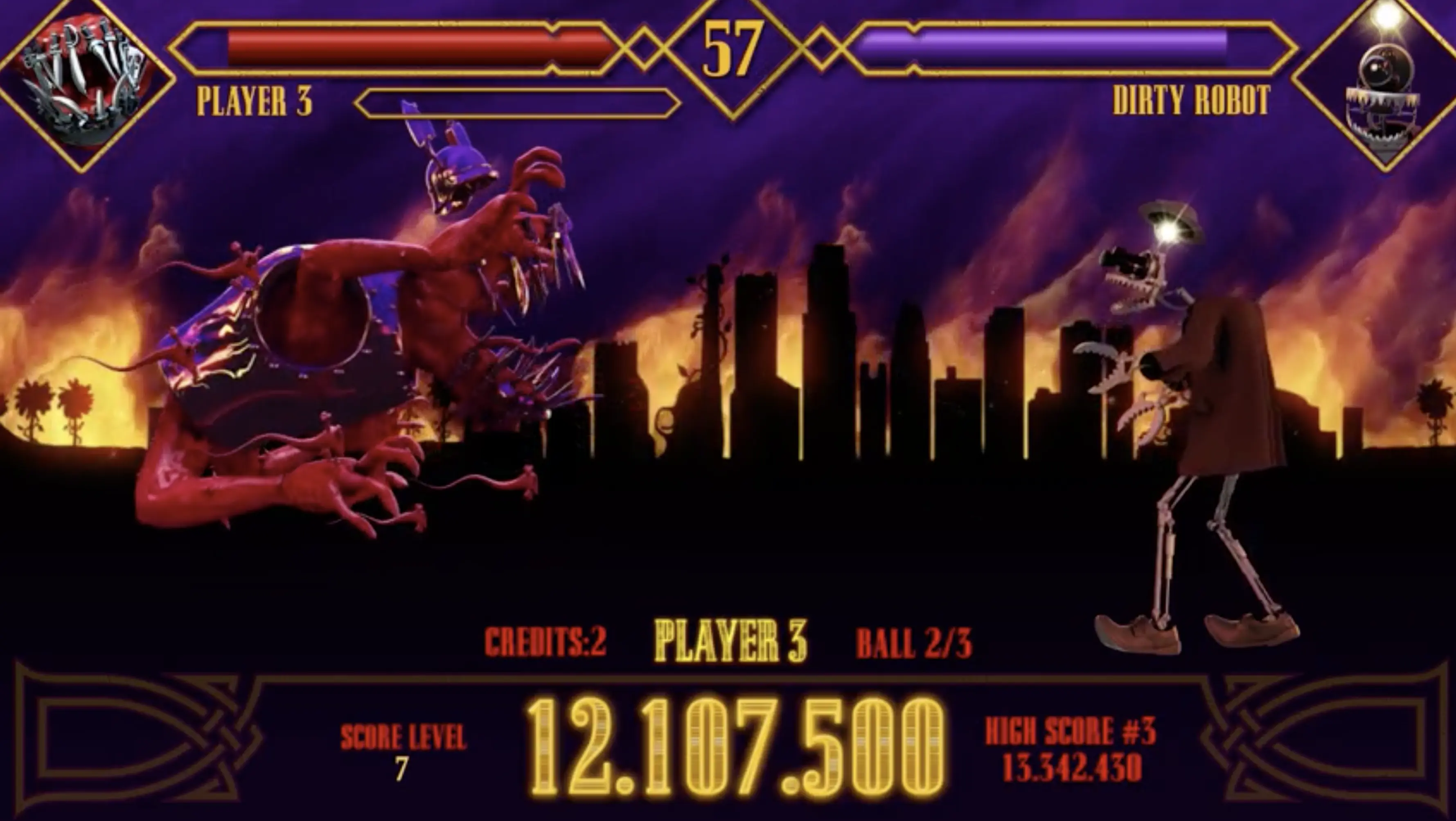
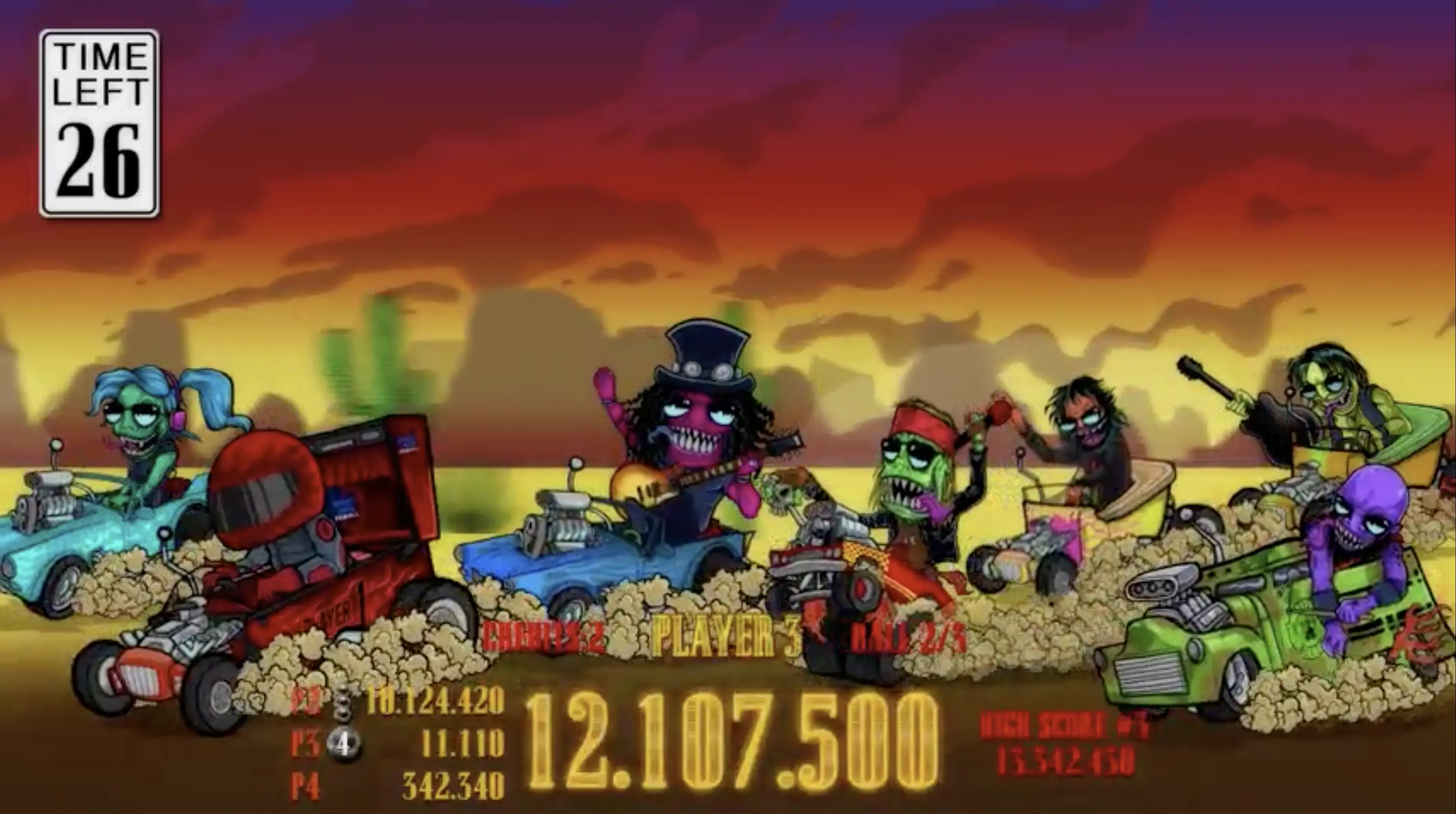
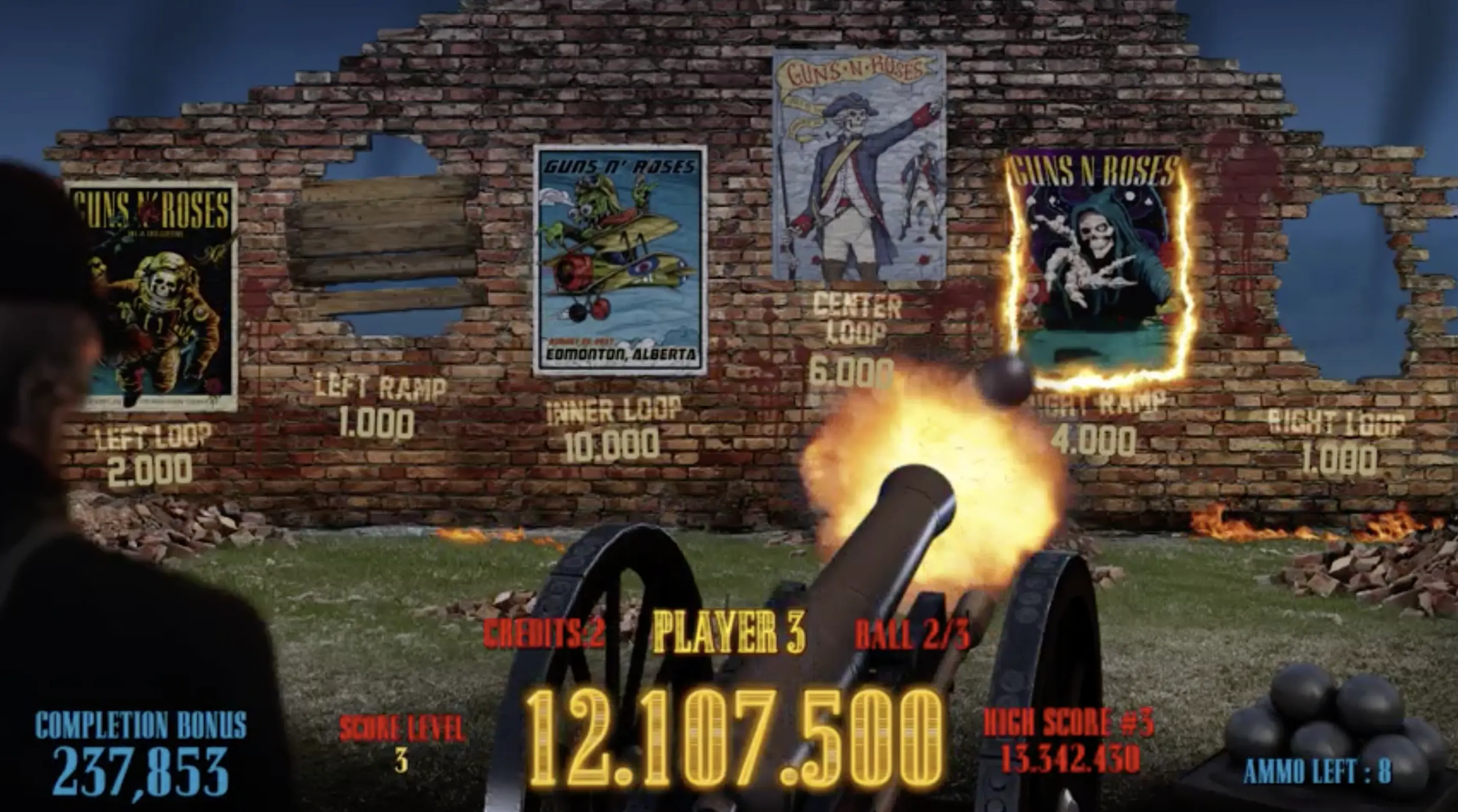
Of the 21 songs in the game, 20 of them are from the albums Appetite for Destruction, Use Your Illusion I, Use Your Illusion II, and Chinese Democracy. Each album has a corresponding mode:
- Appetite for Destruction: Thirst for Carnage Mode
- Use Your Illusion I: Desert Demolition Mode
- Use Your Illusion II: Tear Down the Wall Mode
- Chinese Democracy: Shall We Play a Game? Mode
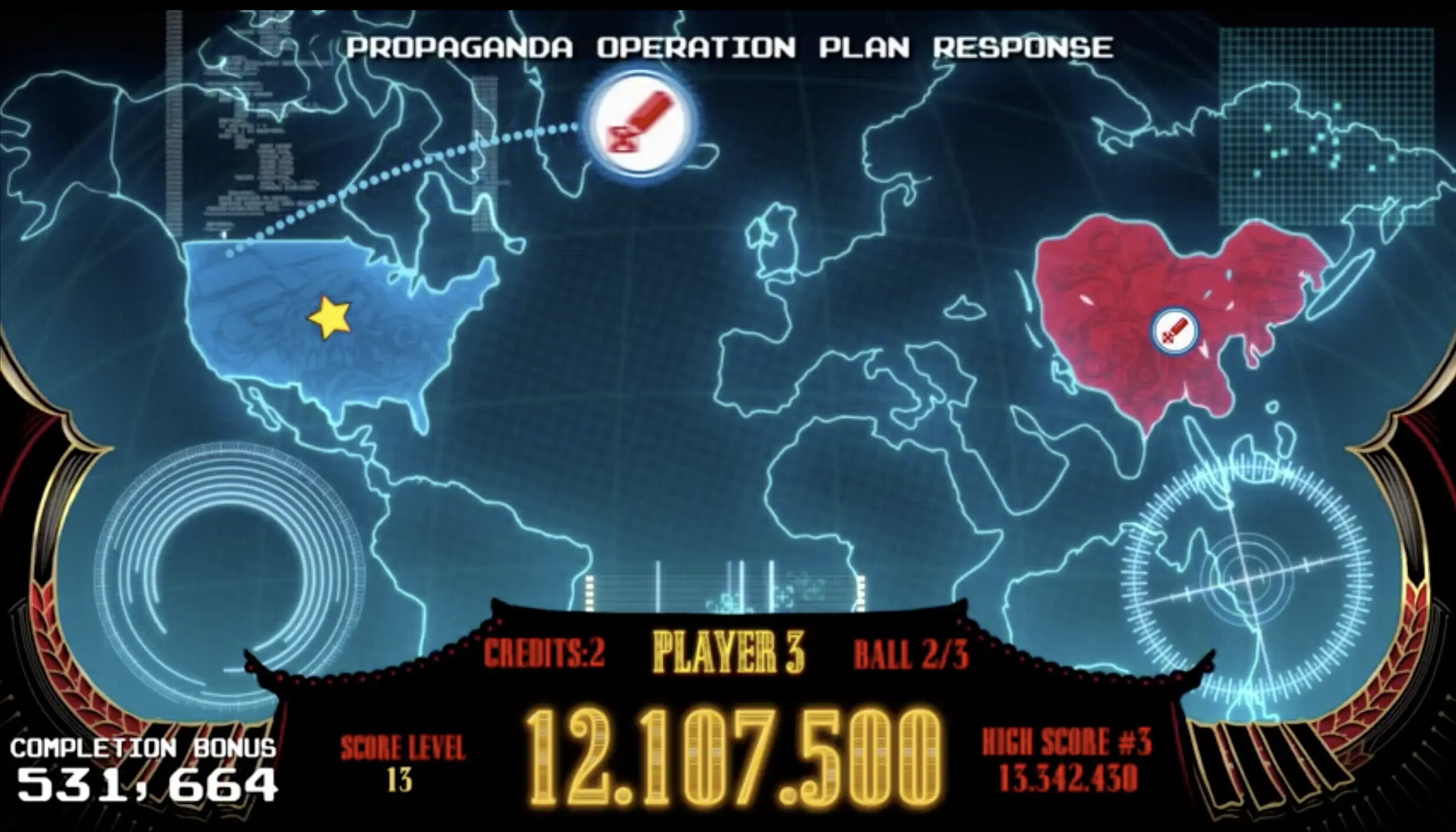
In order to qualify an Album Mode, you must play three minutes worth of songs from that album. For example, if you play Sweet Child O’ Mine for 2:30 and play Welcome to the Jungle for 0:30 (both of which are on the Appetite for Destruction album), you’ve qualified the the Appetite for Destruction Album Mode, Thirst for Carnage. When an Album Mode is qualified it is lit at the center scoop, and will run separate from Song Modes.
Depending on how many minutes worth of songs you’ve played from a particular album before starting the Album Mode, you can start a Album Mode in Silver Record Album Mode, Gold Record Album Mode, Platinum Record Album Mode, or Diamond Record Album Mode. The scoring increases based on which album certification threshold you achieve.
All Album Modes are required to be played in order to get to Not In This Lifetime Wizard Mode.
Album Progress
You can track your album progress on the bottom left of the display – there is a vinyl record that is filling up. When it is filled you level up from the Silver threshold to the Gold threshold, then from Gold to Platinum, and so on.
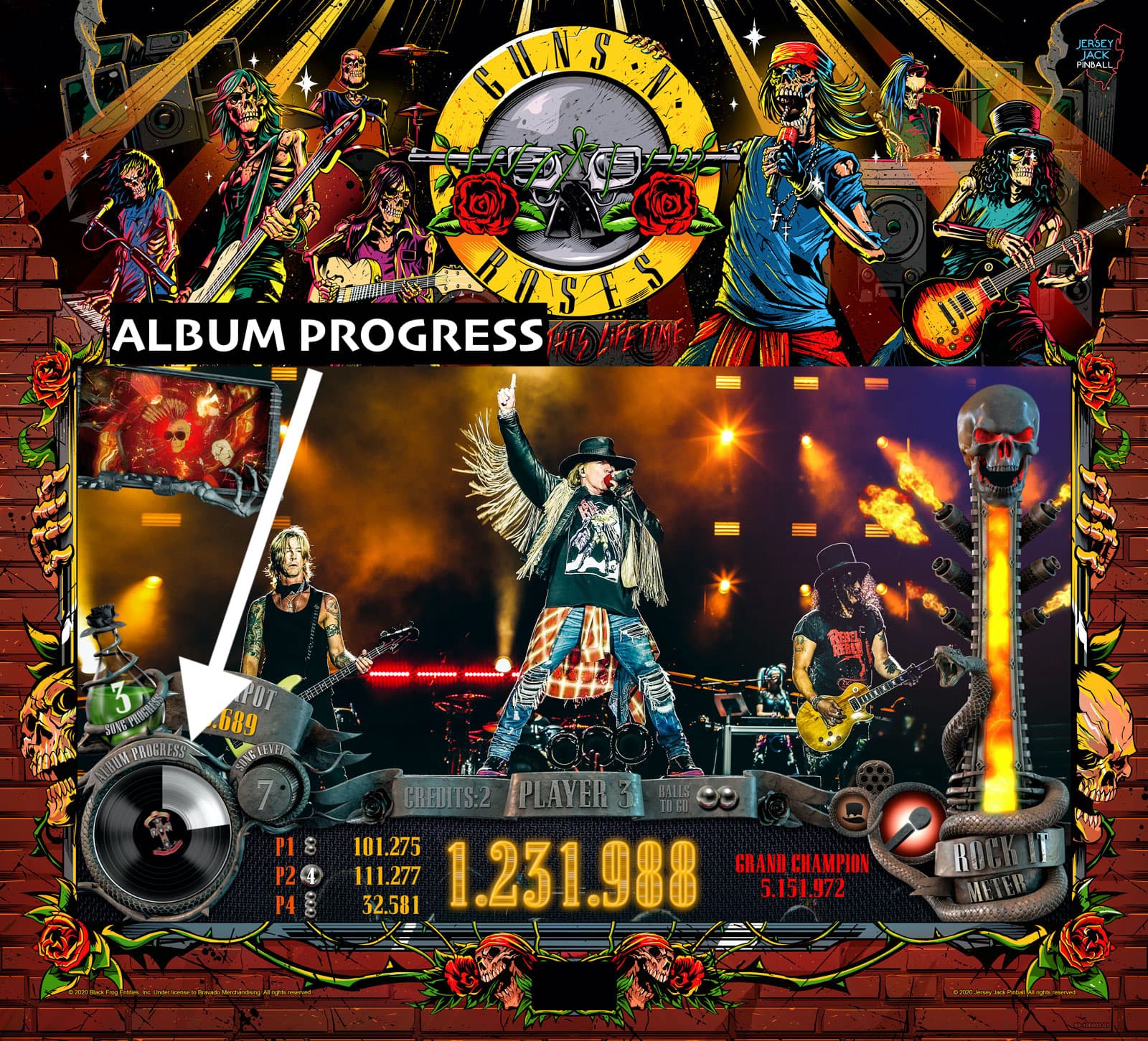
As a reminder, if your flipper is activated, your Rock-It Meter drains much more quickly. Translation – if you try to trap up and “time out” a Song Mode to reach the corresponding Album Mode, your Rock-It Meter is going to drain and you’ll be Booed Off Stage.

Tour Modes N' Tour Multiball
Shoot the orbits to advance along the concert tour map in the center of the playfield.
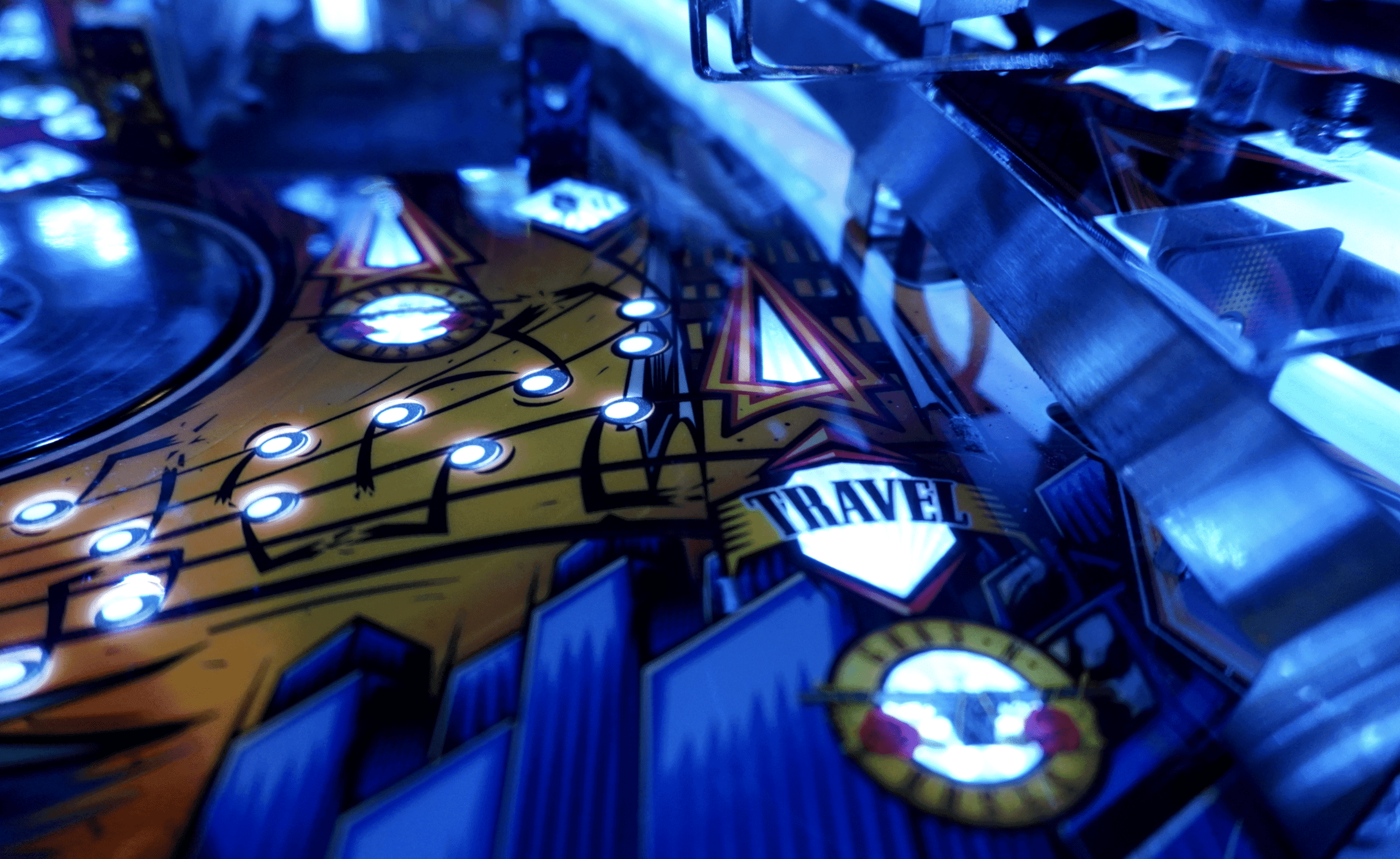
There are 53 small insert lights in the map, and every tour location has unique promotional poster artwork – the posters they actually used during their tours. You start Tour Modes as you progress (by completing continents and such), and you can also find hidden band member power ups along the way, which will help you in Song Modes.
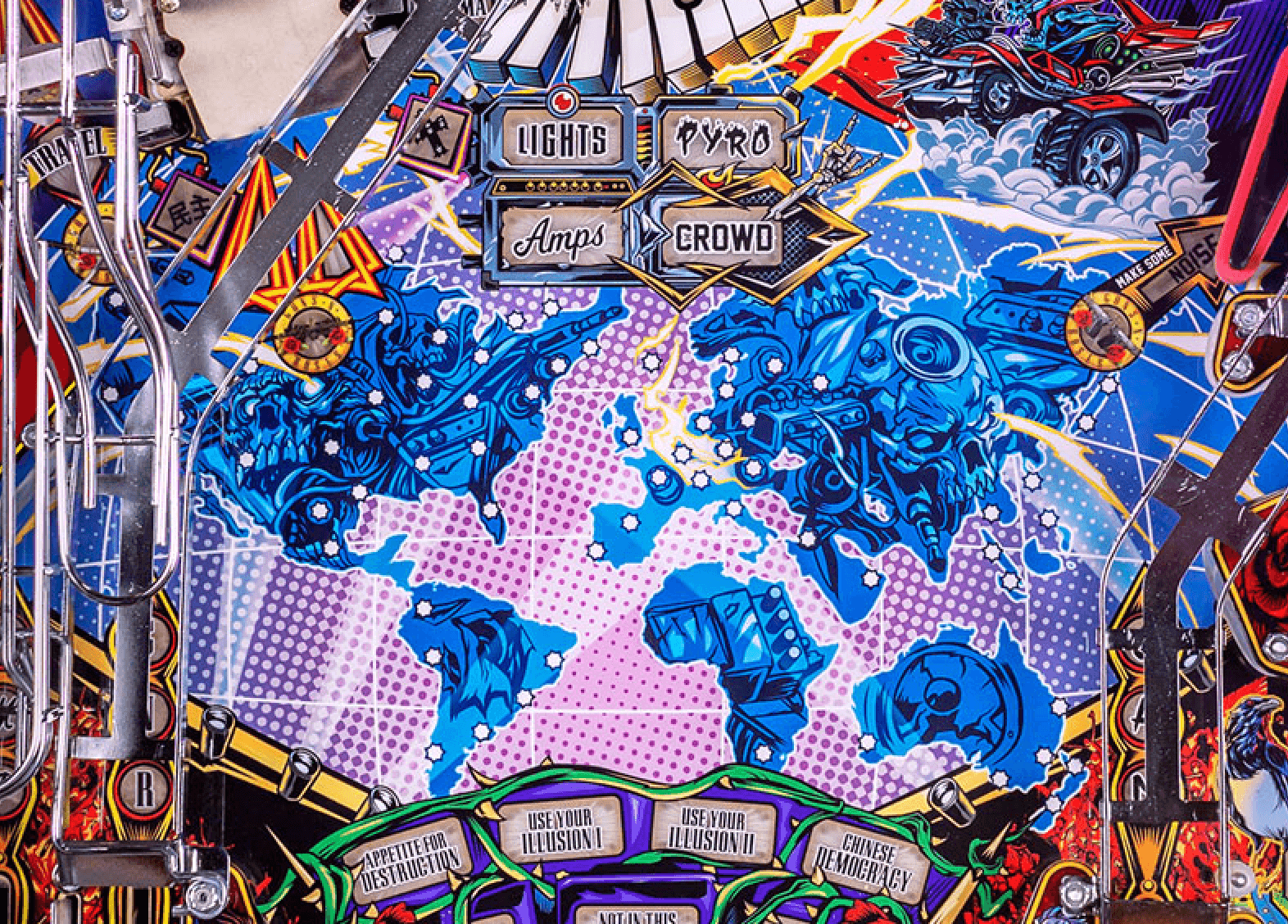
Once you have visited all cities, you will qualify Tour Multiball, which is required to be played in order to get to Not In This Lifetime Wizard Mode.

Slash Solo
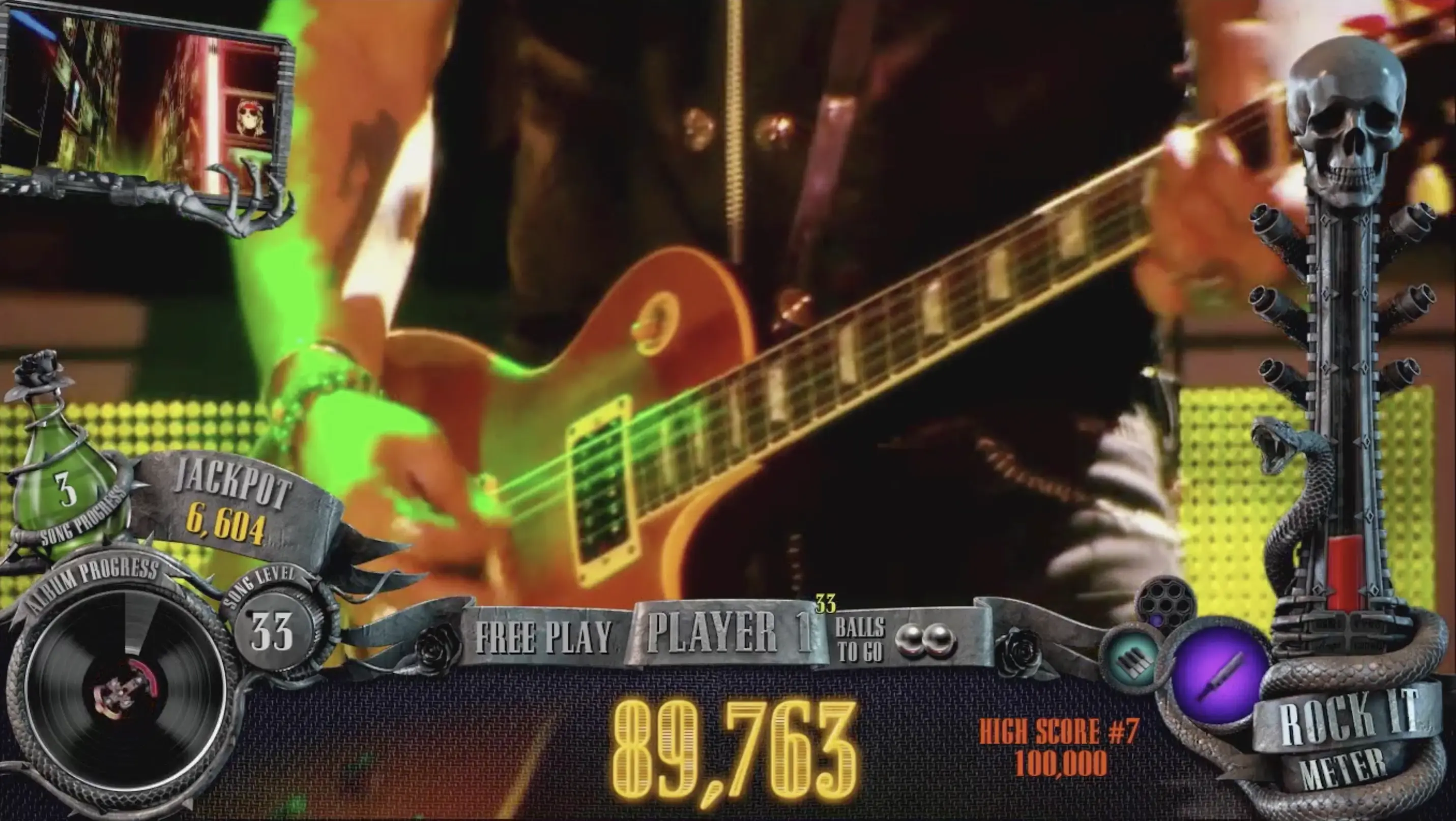
Shoot the guitar pick spinners and the spinning record to make progress towards Slash Solo. Slash Solo is first qualified after 2,000 spins. This is a timed mode and is required to get to Not In This Lifetime Wizard Mode.

Extra Balls, Patches, Coma
COMA Ball Save Mode and Multiball
You can qualify COMA by hitting the COMA stand up target. If COMA is qualified and you drain out the left outlane of the game, you get a chance to save your ball. During COMA you have 30 seconds to hit a certain number of switches. Then after you’ve hit those switches you have to hit two random lit shots.
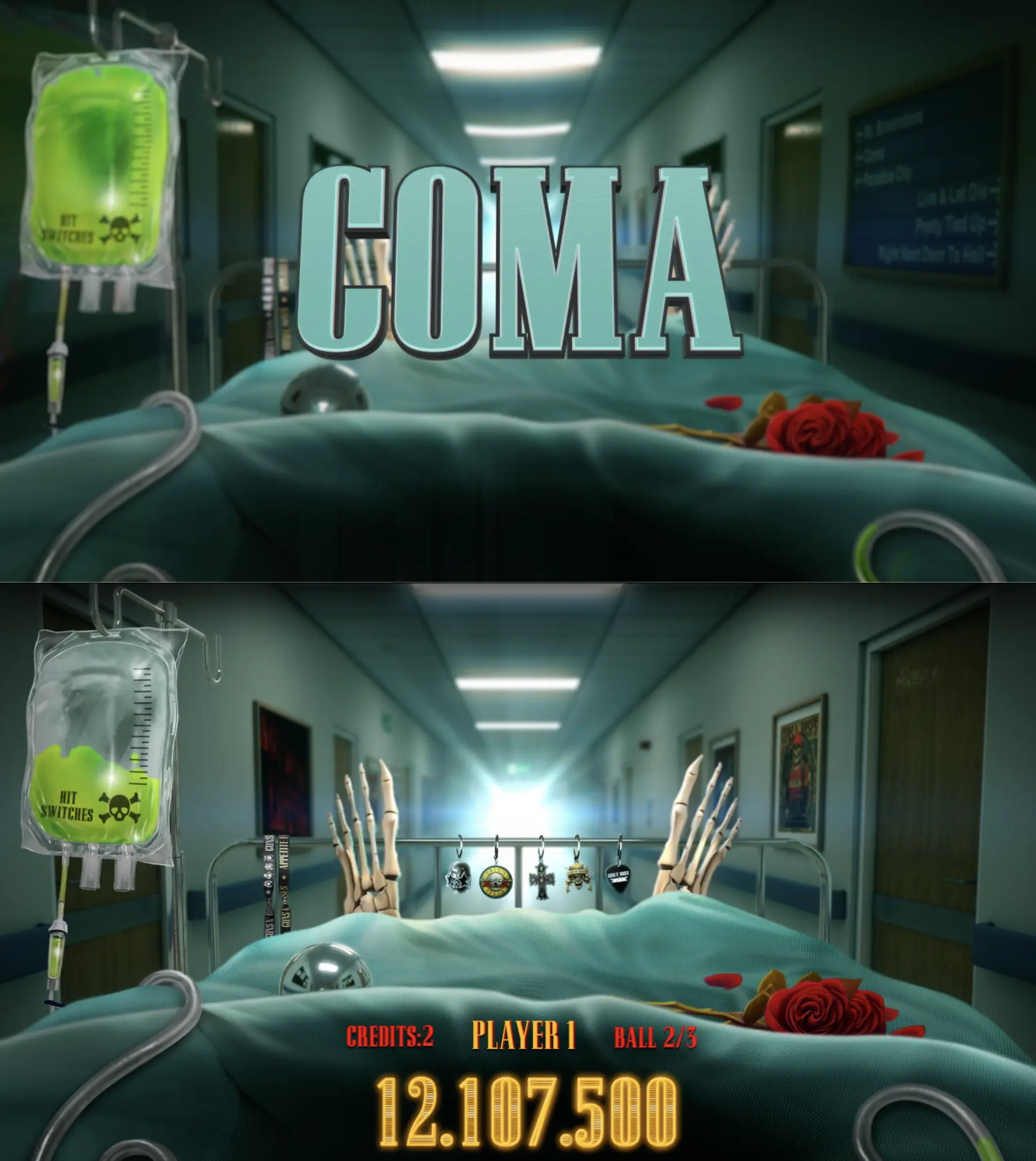
If you complete the switch hits and the two shots, you will start COMA Multiball. You will play that multiball, and after the multiball is done you’re back in active play and have successfully saved your ball.
If you do not complete the switch hits or the shots, the flippers will die and your ball will drain.
Patches
Complete G-N-R in the inner left inlane to earn Patches that you can add to your 80s denim jacket. There are 39 different Patches that each have a unique award corresponding to that patch. You can change the Lit Patch using the Action Button. You can also collect Patch Combos to earn unique awards.
One example of a Patch award is the GnR Lies Patch. If you earn that patch, you will unlock Patience as a selectable song. If you play Patience, it earns 1/4 time toward ALL albums (for every four seconds played, you’ll get one second progress towards each Album Mode).
Extra Balls
There are several ways to light Extra Balls, including:
- Earning a Concert Tour Poster and T-Shirt patch combo
- From a random mystery award
- Complete the 9 inlane lights during a song (inlanes are not moveable at this time, so you must roll through each inlane 3 times), then a ‘Light Extra Ball” is included in your jackpot cashout option
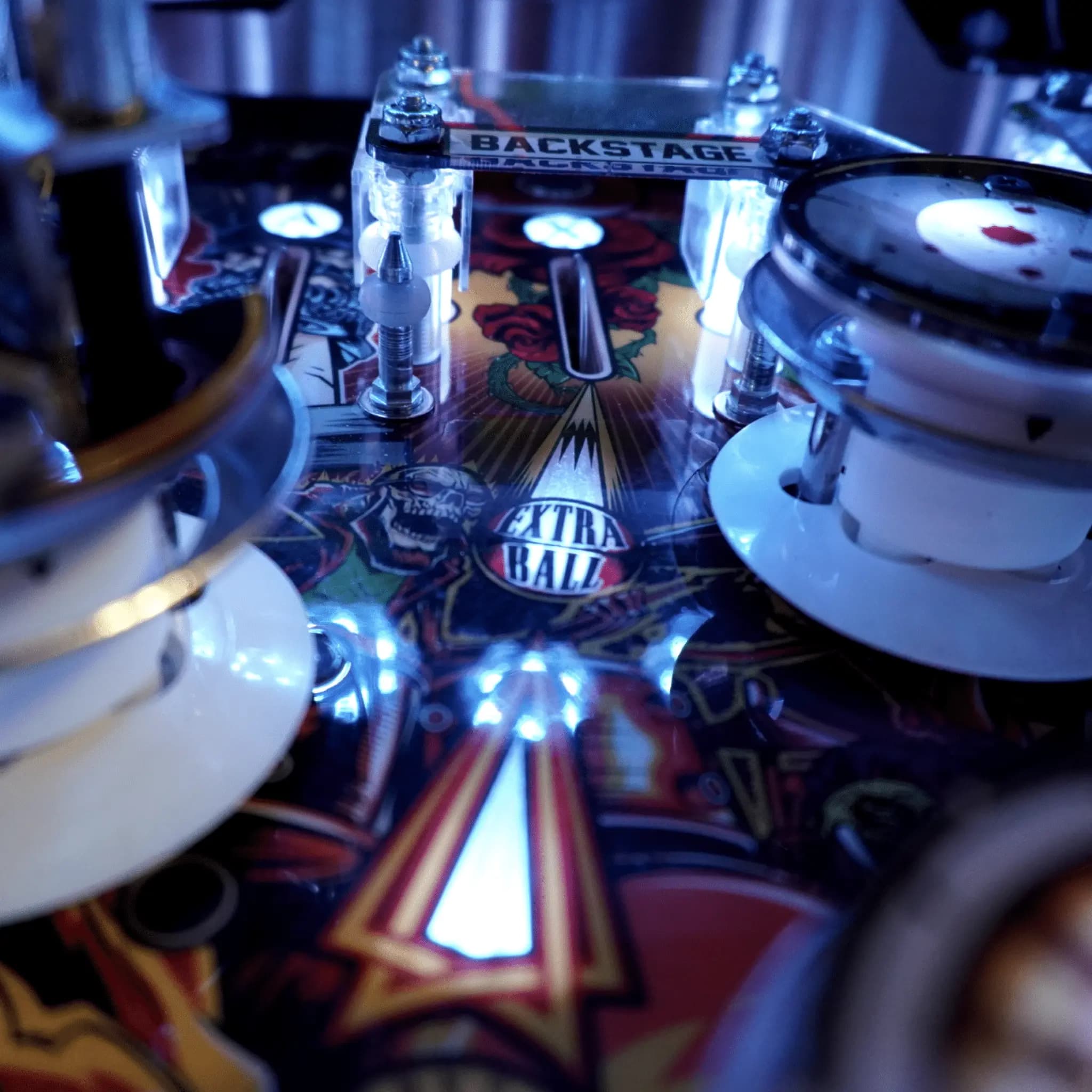
To collect the extra ball, you must shoot the center top lane – directly from the flipper – no pop bumper hits first!

Not In This Lifetime Wizard Mode
To reach Not In This Lifetime Wizard Mode, you must play the following modes:
- Tour Multiball
- Appetite for Destruction Album Mode: Thirst for Carnage
- Use Your Illusion I Album Mode: Desert Demolition
- Use Your Illusion II Album Mode: Tear Down the Wall
- Chinese Democracy Album Mode: Shall We Play a Game?
- Slash Solo
Playing those modes will light Not In This Lifetime Wizard Mode at the center scoop.

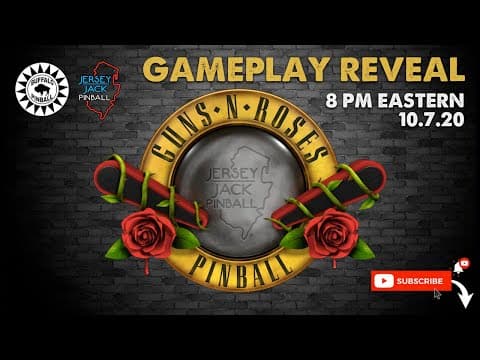
Our friends at Buffalo Pinball will be hosting the Guns N’ Roses gameplay reveal on Wednesday at 8:00PM Eastern on their YouTube Channel – click below to view it!!
Like what you're reading?
Get pinball news, analysis, and deep dives delivered to your inbox.
Related Posts
More in This Week in Pinball or browse all topics.